
Pair & Compare
Find the perfect fonts and font-pairs for your project.



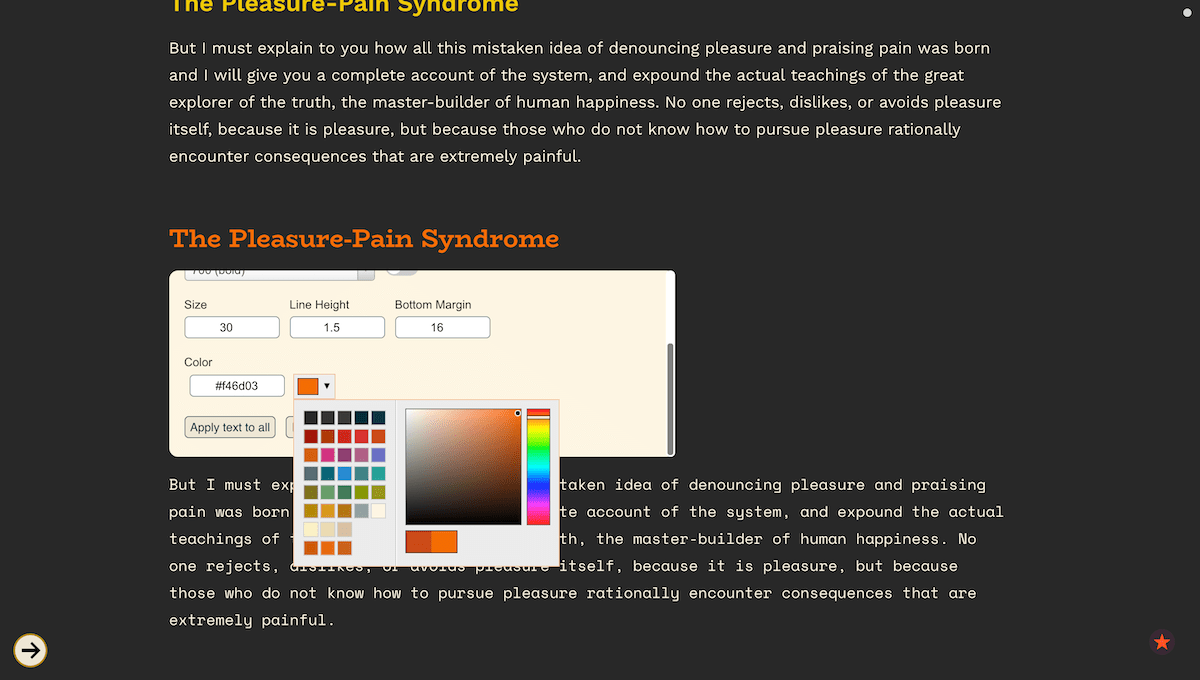
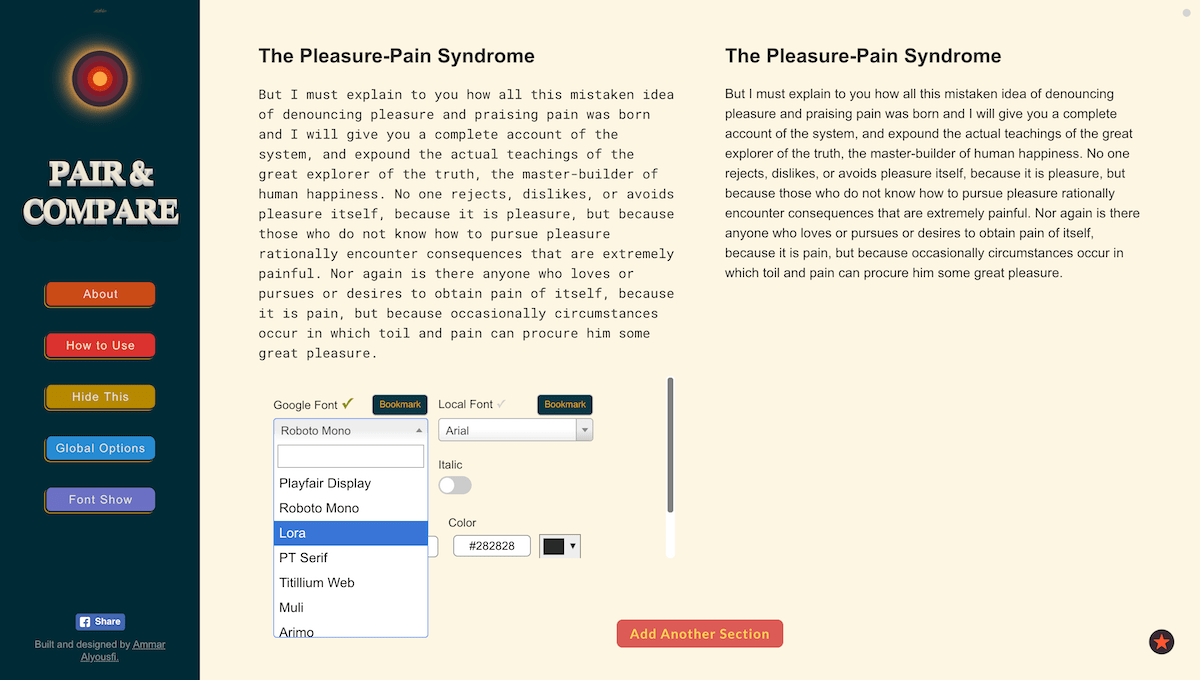

Try all Google Fonts (800+ fonts) on your text quickly
Without downloading or installing any of them, without copying and pasting font names, without adding and editing HTML link tags, without switching windows or refreshing browsers — without the hassle. But with just a click.
Not just Google fonts. You can also add and use fonts from your device.
Pair fonts easily and quickly.
Compare many fonts (or font pairings) on the same page
Control a lot of settings: font size, color, background color, text width, line height, etc, fast and smoothly.
Explore fonts in the easiest way with Font Show feature
Bookmark fonts while experimenting to decide later between them.


Today, Pair & Compare got featured on Product Hunt. It achieved the 3rd Product of the Day badge.

Pair & Compare came from a need I experienced during web development and design. Whenever I wanted to choose a great-looking font (or font-pair) for a project, I would start a tedious process of searching for a font (especially from Google Fonts), then editing my code to include the font, and then seeing the results in the browser, and repeating that. This is bearable, but the problem gets worse when I want to compare different fonts (or font-pairings) on the same page, so I can see which one is better. From these needs, comes Pair & Compare.
Comment