
Photo Space Saver
Free up iPhone storage with private, on-device photo cleanup
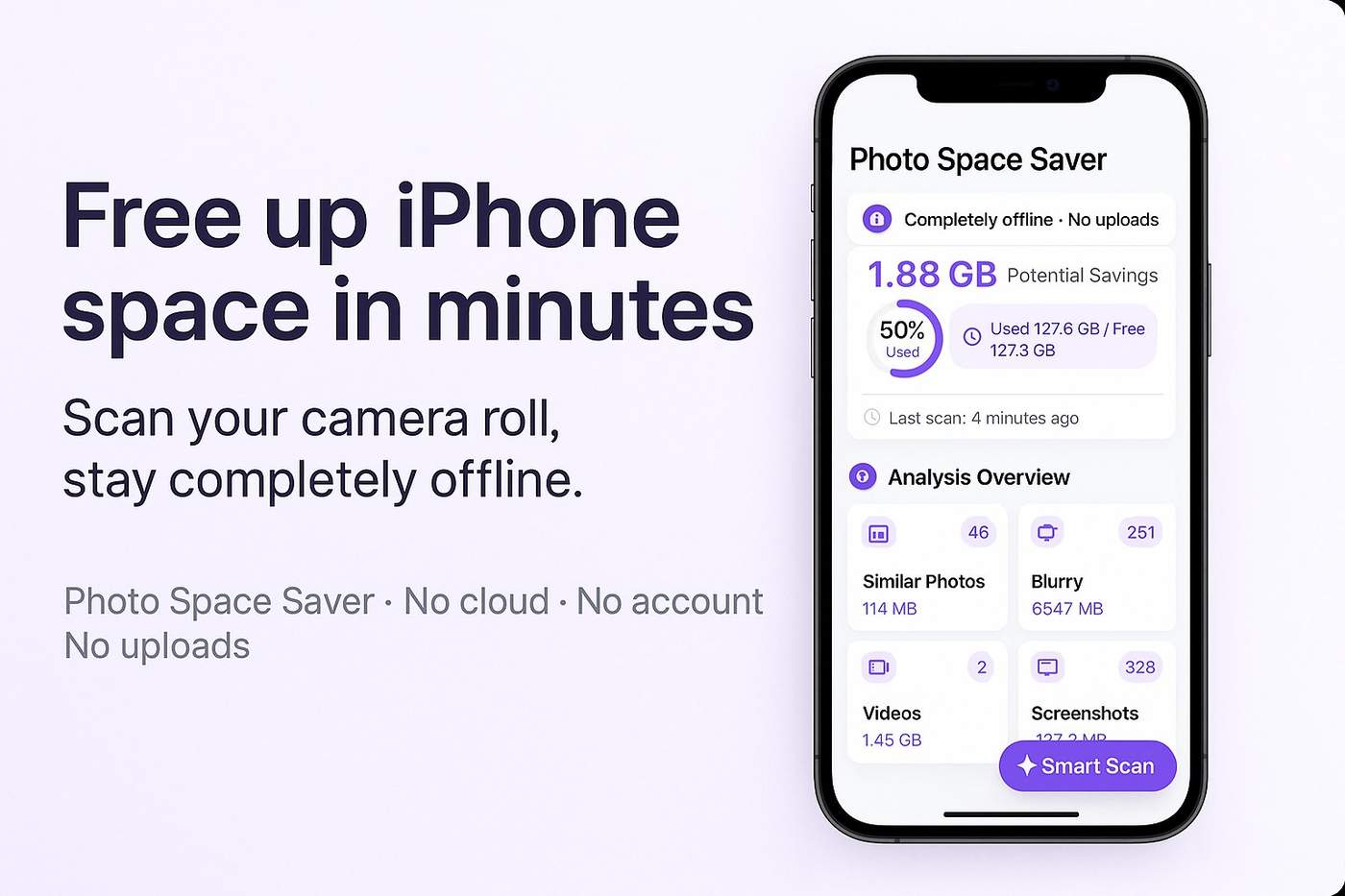
Hey Indie Hackers 👋
I’ve been lurking here for a while, and finally have something small to share.
---
### The problem: “iPhone Storage Almost Full” on repeat
For the last couple of years my iPhone has been living at 0–2 GB free.
Every few weeks I’d get the same popup:
> “iPhone Storage Almost Full”
I’d open Photos, scroll through thousands of pictures, delete a few obvious ones… and then give up. The problem wasn’t that I didn’t want to clean up, it was that it felt like work:
- Too many photos to scroll through
- I didn’t know which ones actually ate the most space
- I didn’t want to install a “cleaner” app that uploads my photos or pushes subscriptions in my face
At some point I realised I just wanted a small, boring, trustworthy tool that:
1. Shows me where the space is going (similar shots, blurry photos, screenshots, big videos)
2. Runs entirely on-device – no accounts, no cloud
3. Lets me clean up in a few minutes and then get out of the way
So I decided to build it.
---
### What I built: Photo Space Saver
The app is called Photo Space Saver.
It’s a lightweight iOS app that helps you free up storage by analysing your photo library on-device and surfacing the “low value” stuff:
- Similar & slightly blurry photos
- Screenshots and screen recordings
- Large, space-hungry videos
You get groups like “Similar photos” or “Large videos”, can review the suggestions, and anything you delete still goes through Apple’s “Recently Deleted” folder so you can undo mistakes.
No account, no login, no uploading. It just sits on your phone, does its job, and leaves you alone.
App Store link (iOS / iPadOS / Mac with Apple Silicon):
👉 [Get Photo Space Saver on the App Store](https://apps.apple.com/app/id6752966609)
Product page with a bit more detail:
👉[Photo Space Saver dashboard](https://fanstudioapps.com/photospacesaver)
---
### Tech and constraints
I’m building this as a solo indie under the FanStudio label.
Some constraints I set for myself:
- No servers – everything must run offline
- One-time purchase – no subscription for this kind of utility
- Respectful UX – no fake “scanning…” animations, no dark patterns
Stack-wise it’s mostly:
- Swift + SwiftUI
- Apple’s photo APIs
- Some light-weight on-device analysis to find similar / blurry shots and large files
Right now it’s very much a v1: usable, but lots of ideas still on the backlog (better grouping, more helpful “clean-up reports”, etc).
---
### Where I’m at
- App is live on the App Store
- Zero marketing budget – I’m just posting on Twitter/Reddit and now here
- Trying to learn ASO and get the first honest 100–200 users
I know it’s “yet another cleaner app”, but I haven’t found many that are privacy-first, offline, and not subscription-based, so I’m hoping there’s a small niche of users who care about that combination.
---
### What I’d love feedback on
If you have a few minutes, I’d really appreciate your thoughts on any of these:
- Does the positioning (“offline photo cleanup”, “no uploads”) feel clear enough?
- For a utility like this, would you expect a free download + one-time Pro unlock, or just paid upfront?
- Any obvious red flags on the App Store page that would stop you from trying it?
And if your own iPhone is constantly shouting at you about storage, I’d love to hear how you’re handling it today.
Thanks for reading – happy to answer any questions about the build, tech, or launch so far. 🙂

Comment