
ScrollFlow
Auto-Scroll Screen Recorder for Smooth Webpage Captures
Here’s what ScrollFlow can do for you.
No more jerky manual scrolling or missed content. Just smooth, hands-free webpage recordings every time.
Perfect for:
UX/UI designers capturing portfolios
QA testers recording bug reports
Marketers creating demos
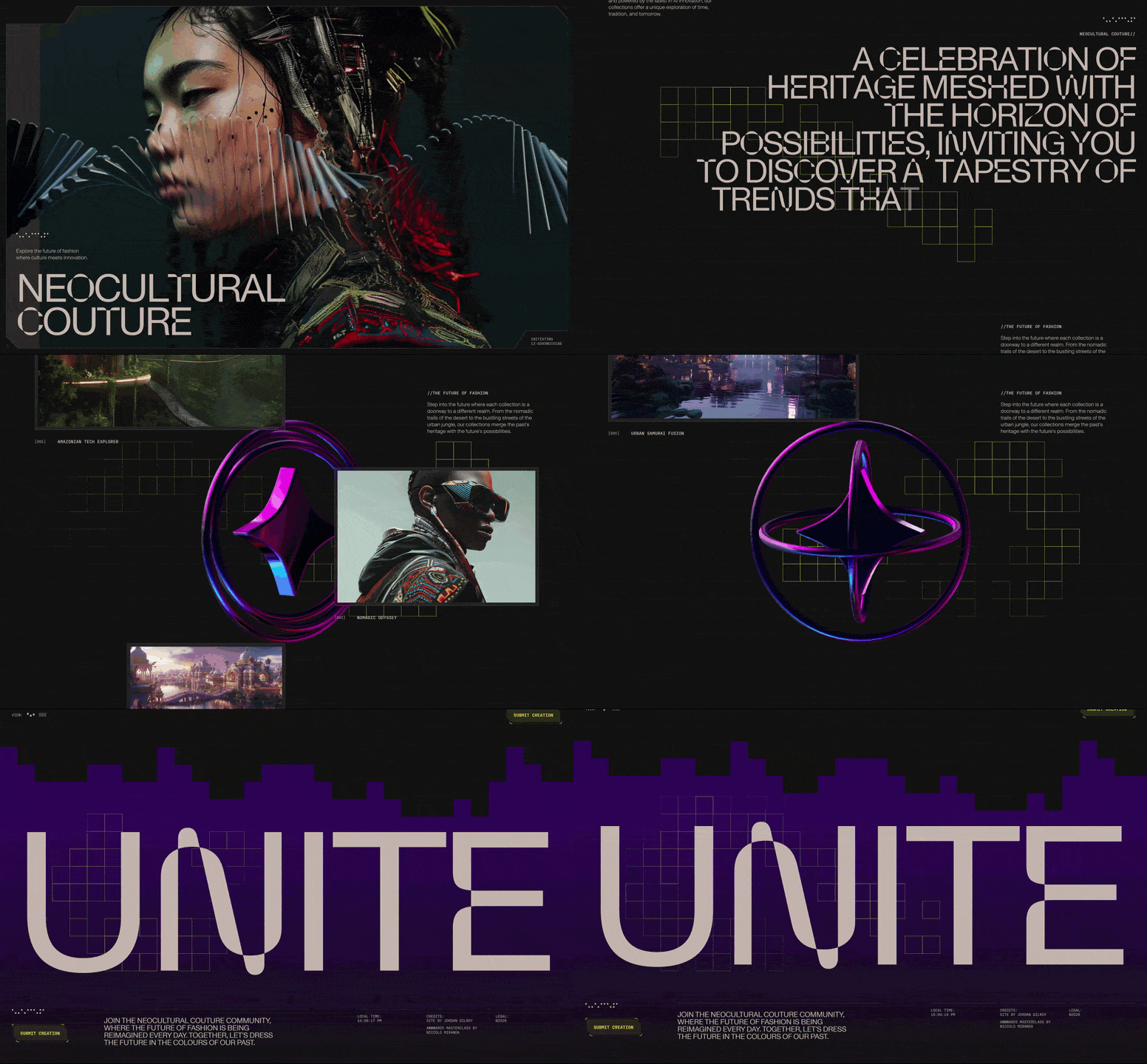


I spent years struggling to capture smooth, professional videos of my web designs and demos. Manual scrolling was a nightmare, and tools like After Effects were overkill for what I needed.
So I built ScrollFlow, a Chrome extension that auto-scrolls AND records webpages locally, with no cloud, no tracking, and no hassle. Now, I use it every day to create perfect captures for my portfolio, bug reports, and client demos.
If you’ve ever faced the same frustration, give it a try and let me know what you think!
-
2
The personal use case makes the origin of ScrollFlow easy to understand. Curious which of the three use cases ends up being the most common in practice.
-
1
Thanks! Right now, the strongest traction seems to come from web designers and agencies showcasing modern, graphic-heavy sites (like WebGL / Three.js) for their portfolios and social media. Having a smooth capture in custom dimensions is a huge time-saver for them.
That said, I'm still actively gathering feedback from current users to see if another use case takes the lead over time!
-
1
That makes sense. The agency/web designer use case sounds like a strong early signal. If you’re open to continuing the conversation, what’s the best email to reach you at?
-
-

Comment