Building Huesnatch: A Free, Privacy-First Color Toolkit for Designers & Developers
Hey Indie Hackers! 👋 I'm excited to share Huesnatch (https://huesnatch.com/), a project I've been building to solve a simple but persistent problem: making color work easier, faster, and more accessible for everyone.
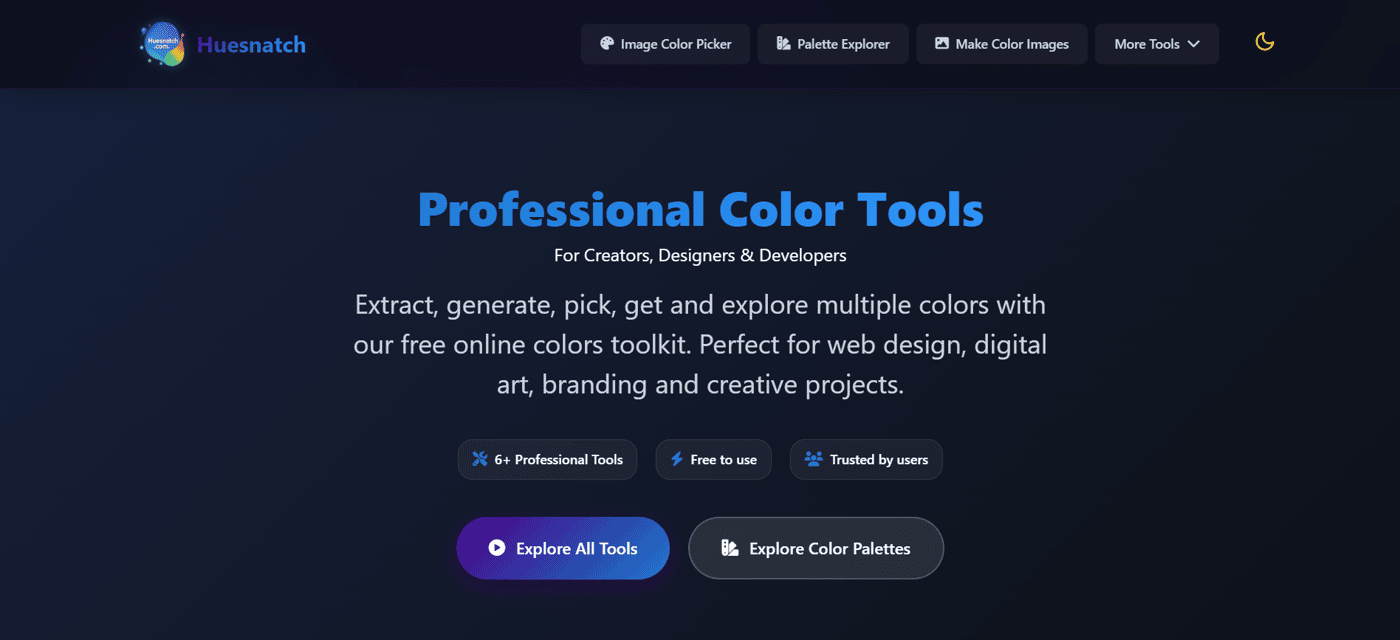
As a developer/designer myself, I often found jumping between different tools for picking colors, building palettes, or checking accessibility was a real workflow killer. Some tools were too complex, others were paid, and many required uploading images to a server – which always felt like a privacy concern. So, I decided to build a better solution.
The Core Problem I'm Solving:
Huesnatch is a unified, free, and privacy-first toolkit. It brings six essential color tools into one place, all with a clean, responsive interface. The goal is to remove friction from the creative process so you can spend more time designing and less time managing colors.
Here’s how Huesnatch helps, with a look at each tool:
🎨 For Precise Color Selection: The Color Picker tool gives you fine-grained control over the color spectrum. You can visually pick any color and instantly get its exact values in multiple formats like HEX, RGB, and HSL. No more guessing codes.
🖼️ For Inspiration from Any Image: The Image Color Picker lets you upload any photo or use your device's camera to extract a complete color palette. It's perfect for pulling themes from reference images, mood boards, or real-world inspiration. And crucially, it's all processed in your browser – your images are never uploaded to our server.
♿ For Designing Inclusively: The Color Blind Simulator is a tool I'm particularly proud of. It helps you see your designs through the eyes of users with different types of color vision deficiency (like Protanopia or Deuteranopia). This ensures your work is accessible and provides a good user experience for everyone.
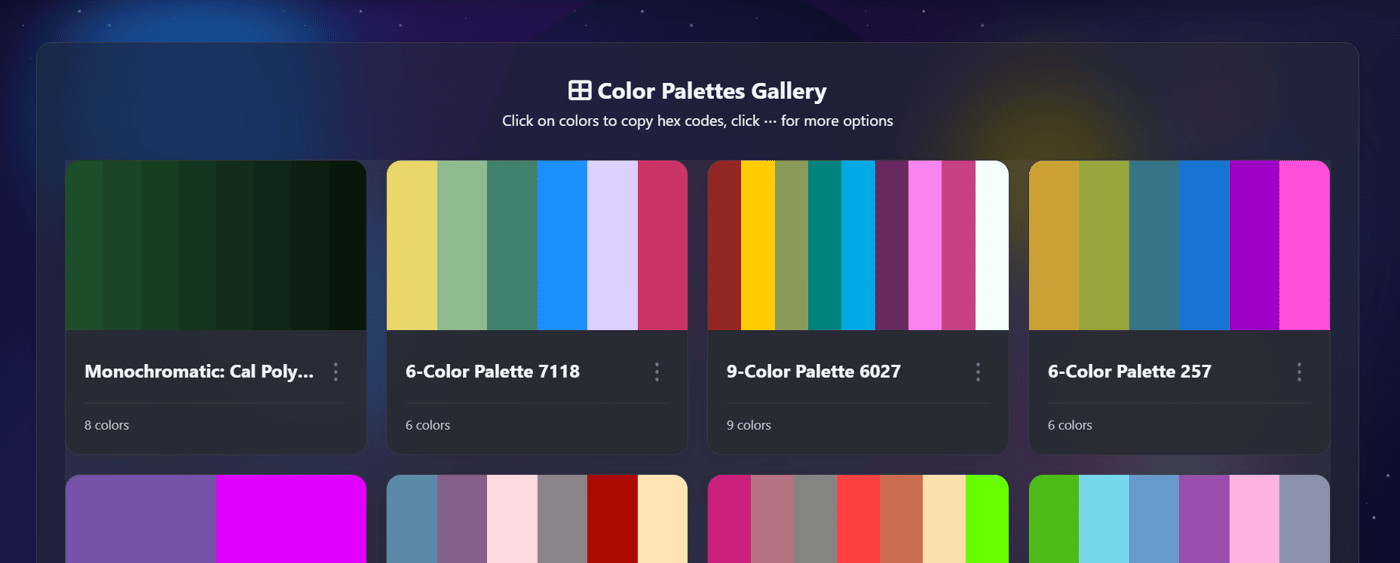
🗂️ For Curated Inspiration: The Explore Palettes section is a growing collection of beautiful color combinations. You can browse for inspiration and then instantly dive into the details of any palette that catches your eye.
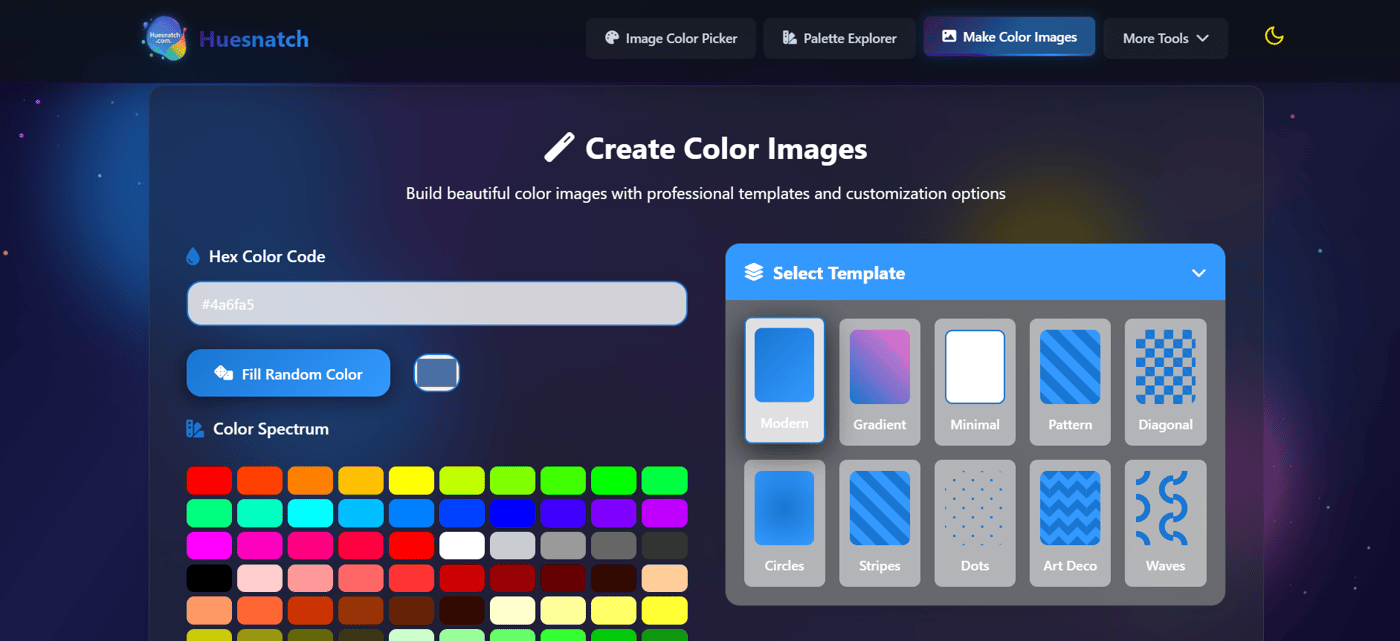
🎆 For Creating Visual Assets: The Color Image Generator lets you create simple, colored images or gradients. This is surprisingly handy for generating placeholder backgrounds, social media graphics, or presentation elements with precise color codes.
🔍 For Competitive & Web Analysis: The Web Color Extractor is a unique tool. By simply entering a competitor's URL or uploading their logo, you can extract their core color scheme. It's an invaluable shortcut for competitive analysis, getting quick inspiration, or understanding a website's visual identity.
Beyond the Tools: The Huesnatch Philosophy
My vision for Huesnatch goes beyond just a collection of utilities. It's built on a few core principles:
Privacy First: All processing happens directly in your browser. No sign-ups, no data collection, no server uploads.
Lightning Fast & Responsive: Tools load instantly and work perfectly on any device – desktop, tablet, or mobile.
Completely Free Forever: I believe these essential tools should be accessible to students, hobbyists, and professionals alike, without a paywall.
What's Next?
I'm currently focused on refining these tools based on user feedback. I'm also working on a fun Color Learning Game (already in beta on the site!) to help people improve their color recognition and theory knowledge in an engaging way.
I'd love for you to check out Huesnatch (https://huesnatch.com/) and put the tools to the test. What color problems do you face in your workflow? Any features you'd like to see added? I'm all ears for your feedback! Thanks for reading. 🙏

