How NovaCapture Started: I Wanted Screen Recording to Just Look Good
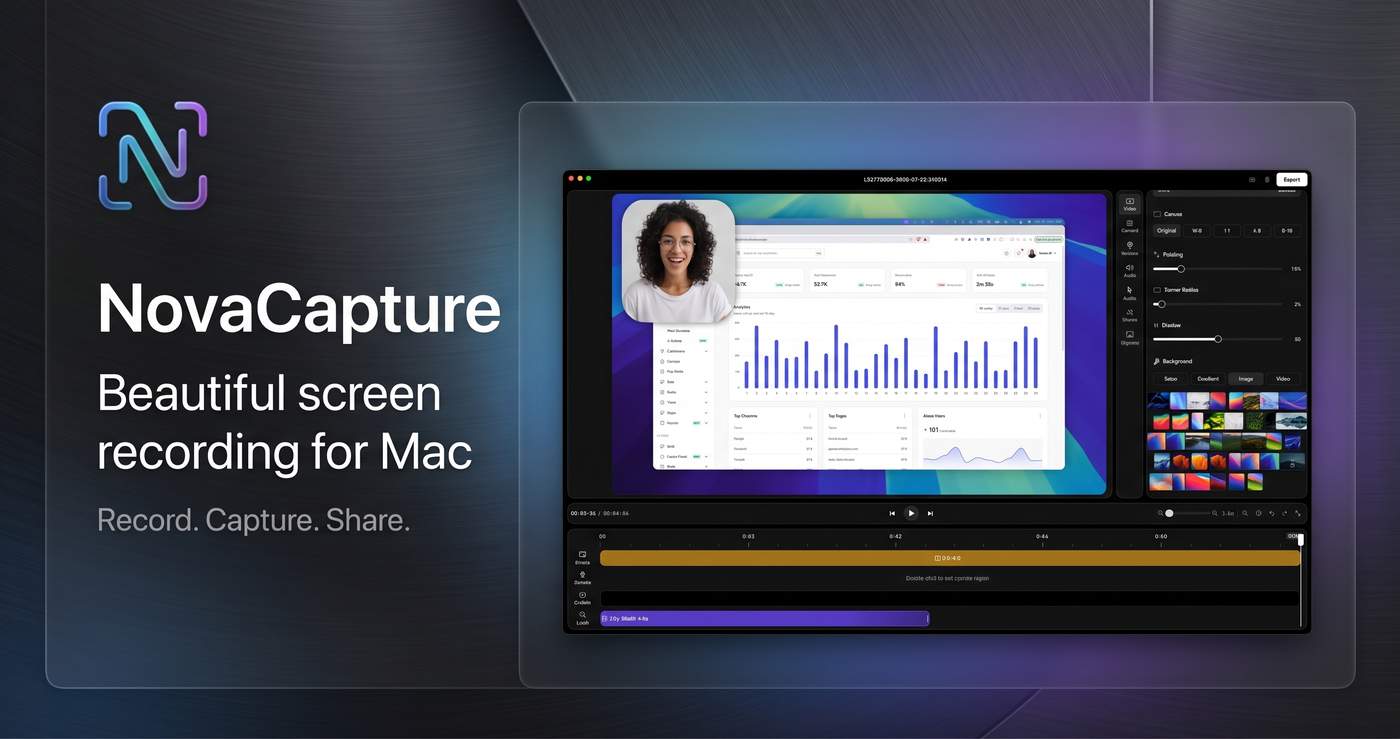
I didn’t start NovaCapture because I wanted to build another screen recorder.
I started because I was tired of recording a simple product demo and then spending more time fixing it than actually recording it.
A 30-second demo sounds easy. But in practice, the cursor moves too quickly, the important part of the screen is somewhere else, the zoom feels awkward, and the final video looks like a raw screen recording instead of something you’d actually want to show customers.
I kept thinking: why does making a simple product demo still require so much editing?
Most screen recording tools give you a lot of controls. But for a founder or developer who just wants to record a clean demo, that can become another problem. You don't necessarily want to become a video editor. You just want your product to look good.
That was the idea behind NovaCapture.
I wanted something that felt native to macOS and stayed focused on one job: record your screen and automatically make the important parts look better.
So I started building it.
The first versions were rough. There were plenty of small problems: cursor movement, zoom timing, transitions, exports, permissions, and all the little details you don't think about until you try to make a recording feel polished.
One of the biggest things I cared about was movement.
If someone moves their cursor quickly across the screen, the zoom shouldn't suddenly jump around. It should feel smooth and intentional. The recording should follow what you're doing without making the viewer feel like they're watching an effect.
That became one of the core ideas behind NovaCapture: make the recording feel edited without making the user edit it.
I'm building NovaCapture as a native Mac app for people who regularly need to show software — indie hackers, SaaS founders, developers, designers, support teams, and anyone making product demos.
It's deliberately not trying to become a full video editor.
The goal is much simpler:
Record → let NovaCapture handle the movement, zoom and polish → export → share.
I'm also keeping the business model simple: a one-time purchase rather than another monthly subscription.
NovaCapture is still a work in progress, and I'm learning a lot from every recording and every person who tries it.
The interesting part for me isn't just building a screen recorder.
It's trying to remove the annoying 20 minutes that comes after pressing the record button.
If I can make someone record a 30-second demo and actually be happy with the first export, I think that's worth building.
That's NovaCapture.

