
NovaCapture - Screen Recorder For mac
Mac screen recorder for studio-grade videos - indiehackers
I've been building NovaCapture, a native Mac screen recorder for creating better-looking product demos.
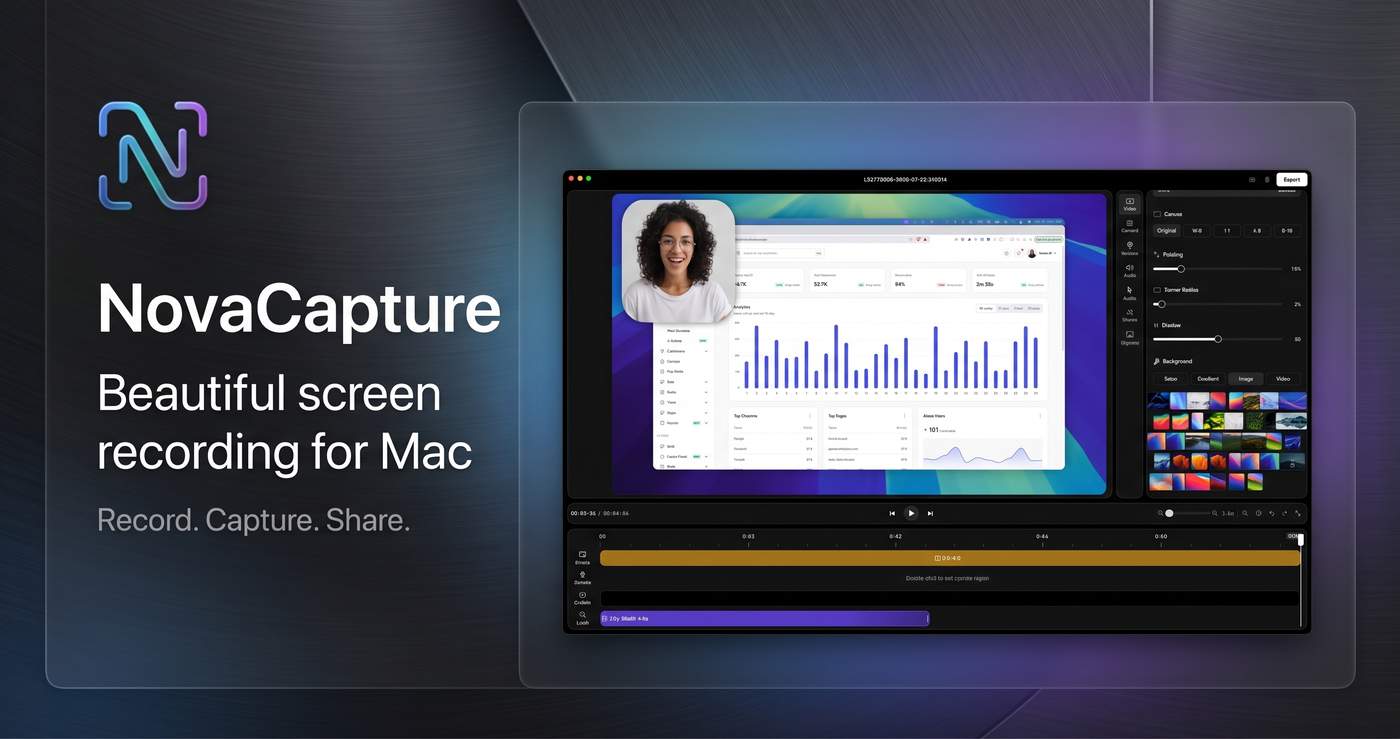
The idea started with a pretty simple problem.
I build software, and whenever I wanted to show it to someone, I needed a decent screen recording.
Usually, I would record the screen, open another editor, fix the cursor, add some zooms, trim the video, and spend way too much time polishing a 30-second demo.
I thought:
There has to be an easier way.
So I started building one.
💡 The Idea
I didn't want to build another huge video editor.
I just wanted screen recordings to look good without much editing.
The idea was simple:
Record → move your cursor → get a polished demo.
That's basically what NovaCapture is trying to do.
🛠️ Then I Started Building
The actual screen recording wasn't the hardest part.
The hard part was making everything feel natural.
For example, automatic zoom sounds like a small feature.
But then you start asking questions:
What happens when the cursor moves quickly?
Should the camera follow immediately?
How fast should the zoom happen?
What if the cursor suddenly moves somewhere else?
How do you stop the zoom from feeling distracting?
One small feature quickly turns into a lot of little problems.
And every time I fixed one, I found another one. 😅
🖱️ Making the Cursor Feel Better
The cursor is a small detail, but it matters a lot in a product demo.
If it moves too quickly, it's hard to follow.
If it jumps around, the recording feels messy.
If the zoom follows it too aggressively, the video becomes uncomfortable to watch.
So I spent a lot of time working on smoother cursor movement and better zoom transitions.
Nothing complicated for the person using the app.
Quite a bit of work behind the scenes.
🍎 Why a Mac App?
I wanted NovaCapture to feel like a proper Mac app.
Open it.
Start recording.
Done.
No complicated setup.
No huge editing timeline.
There are already plenty of powerful video editors out there. I don't want NovaCapture to become another one.
For a simple product demo, you shouldn't need 50 buttons.
You just need a good recording.
🚀 It's Live Now
After all the building, testing, fixing, and tweaking, NovaCapture is now live.
You can check it out here:
👉
I'm continuing to improve it and would love to hear what other developers, indie hackers, designers, and SaaS founders think.
📚 What I've Learned
The biggest lesson so far:
Simple doesn't mean easy.
The final product might have a simple interface, but getting all the small details right takes time.
A smooth cursor.
A natural zoom.
A clean export.
A transition that doesn't suddenly jump.
None of these are huge features.
But together, they make the recording feel much better.
I've also learned that I don't need to add every feature people suggest.
It's better to stay focused on the main problem.
🎯 Make it easy to create a clean product demo on a Mac.
That's what I'm trying to do with NovaCapture.
It's live now, but the work definitely isn't finished.
I'm still building, learning, fixing, and improving. 🚀
If you're building a product and need better demo videos, give it a try:
👉
And if you try it, I'd genuinely love to hear what you think. 🙂
#SaaS #IndieHackers #BuildInPublic #MicroSaaS #SaaSFounder #ProductDemo #ProductMarketing #IndieDeveloper #ProductLaunch #SaaSMarketing

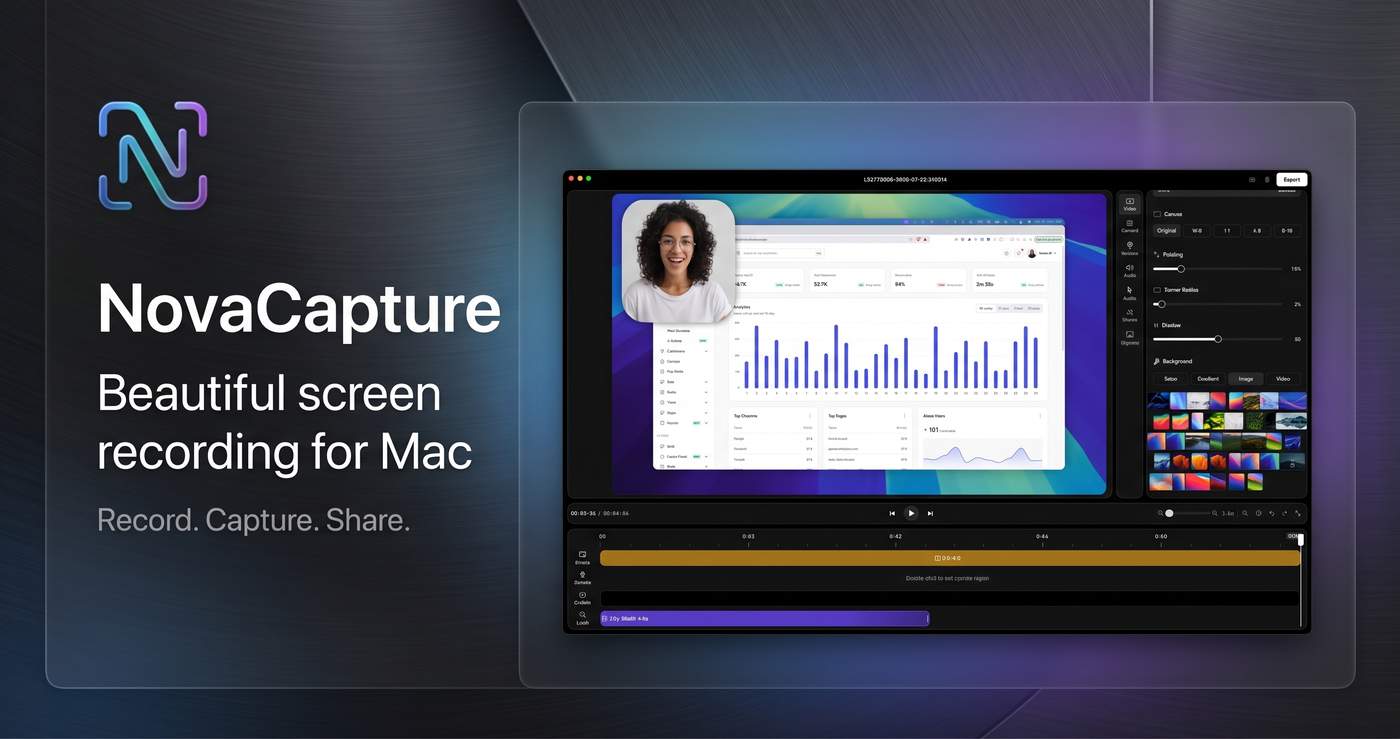
I didn’t start NovaCapture because I wanted to build another screen recorder.
I started because I was tired of recording a simple product demo and then spending more time fixing it than actually recording it.
A 30-second demo sounds easy. But in practice, the cursor moves too quickly, the important part of the screen is somewhere else, the zoom feels awkward, and the final video looks like a raw screen recording instead of something you’d actually want to show customers.
I kept thinking: why does making a simple product demo still require so much editing?
Most screen recording tools give you a lot of controls. But for a founder or developer who just wants to record a clean demo, that can become another problem. You don't necessarily want to become a video editor. You just want your product to look good.
That was the idea behind NovaCapture.
I wanted something that felt native to macOS and stayed focused on one job: record your screen and automatically make the important parts look better.
So I started building it.
The first versions were rough. There were plenty of small problems: cursor movement, zoom timing, transitions, exports, permissions, and all the little details you don't think about until you try to make a recording feel polished.
One of the biggest things I cared about was movement.
If someone moves their cursor quickly across the screen, the zoom shouldn't suddenly jump around. It should feel smooth and intentional. The recording should follow what you're doing without making the viewer feel like they're watching an effect.
That became one of the core ideas behind NovaCapture: make the recording feel edited without making the user edit it.
I'm building NovaCapture as a native Mac app for people who regularly need to show software — indie hackers, SaaS founders, developers, designers, support teams, and anyone making product demos.
It's deliberately not trying to become a full video editor.
The goal is much simpler:
Record → let NovaCapture handle the movement, zoom and polish → export → share.
I'm also keeping the business model simple: a one-time purchase rather than another monthly subscription.
NovaCapture is still a work in progress, and I'm learning a lot from every recording and every person who tries it.
The interesting part for me isn't just building a screen recorder.
It's trying to remove the annoying 20 minutes that comes after pressing the record button.
If I can make someone record a 30-second demo and actually be happy with the first export, I think that's worth building.
That's NovaCapture.
8 Comments
The “simple doesn’t mean easy” part is so true. The user sees a simple cursor movement and smooth zoom, but getting those tiny interactions to feel natural is where most of the work is hiding. I think that attention to the small details is what separates a tool people tolerate from one they actually enjoy using. Congrats on getting NovaCapture live!
"Record, move your cursor, get a polished demo" is a done sentence. Automatic zoom is a second product hiding inside the first one.
Write the 30-second path as a still-works list (record, cursor, export) and freeze zoom until that list is boring. Every time you fix one zoom edge, you are testing the zoom, not the demo.
I use a 10-min check when a tiny scope turns into a pile of little problems: https://durablefoundations.gumroad.com/l/pyramid-reality-check
If zoom stayed broken for a month, would NovaCapture still be a product you would show someone?
Kael Voss / DurableFoundations
The core promise in the headline is "studio-grade videos that look like a full production team made them," but the preview image directly underneath is a static Google Sheets spreadsheet.
For a video tool selling visual polish, a static spreadsheet doesn't demonstrate any movement, zoom, or cursor handling, which makes the headline feel unbacked on the initial view.
In that same first screenful, there are also four separate CTA buttons pointing in three different directions ("Get Lifetime Access", "Start for Free", and "Explore features"), which creates unnecessary decision friction before the visitor has seen what the output actually looks like.
I review a lot of founder demos through Henson Venture Partners, and the drop-off is almost always the same: cursor darting around while the founder narrates, and it makes even a strong product look unfinished. A tool that automatically smooths that motion fixes the thing that actually makes viewers stop trusting the demo, not a cosmetic tweak. One-time purchase is the right call too, this is a task you reach for a few times a month, not a subscription habit.
"Simple doesn't mean easy" — that applies to almost every dev tool product. Building my API product (ModelBridge) started with "just a few API endpoints," but the real challenge was handling parameter inconsistency across providers, streaming differences, and cost control.
NovaCapture's focused approach (do one thing well, no feature creep) is actually the hardest thing to stick with. What's been the most unexpected challenge you've run into?
The focus on the small details is interesting because that’s often where a “simple” tool becomes noticeably better. Curious which detail users notice first when they try NovaCapture.