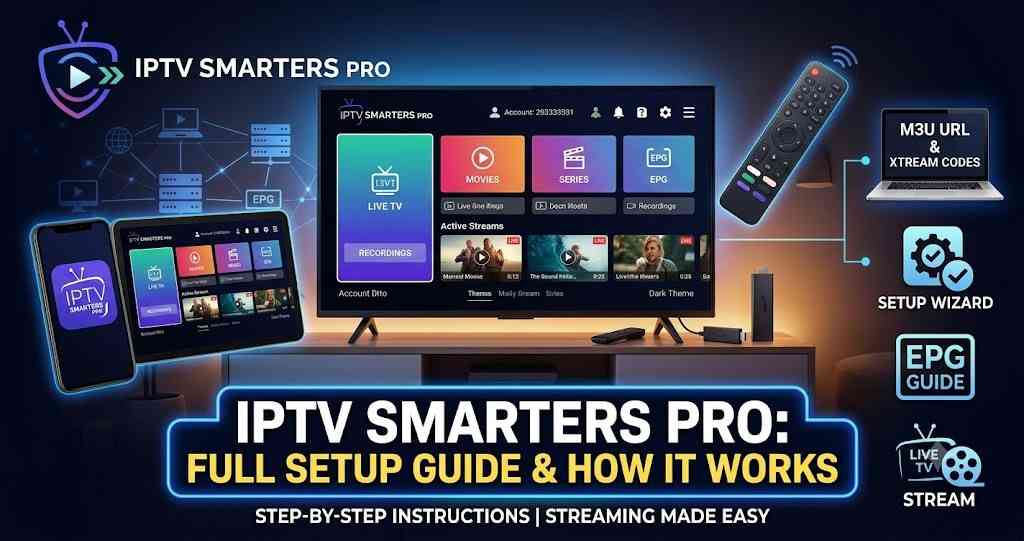
IPTV Smarters Pro: Full Setup Guide & How It Works
Complete guide to IPTV Smarters Pro — features, Xtream Codes API vs M3U Playlist setup, device compatibility, and fixes for common errors.
📺 Find a Compatible Provider:
📺 Find a Compatible Provider:
If you've subscribed to a legal IPTV service and gotten an email with a username, password, and server URL — or just an M3U link — and no idea what to do next, IPTV Smarters Pro is almost certainly the app you've been pointed toward. It's one of the most widely used IPTV player apps for a reason: it runs on nearly every device, handles both major connection methods, and doesn't require any technical background to set up.
This guide covers what IPTV Smarters Pro actually does, how to set it up with either an Xtream Codes API or an M3U Playlist, and how to fix the handful of issues that account for most setup problems.
What IPTV Smarters Pro Actually Is (and Isn't)
IPTV Smarters Pro is a media player, not a content provider. It doesn't host channels, movies, or shows — it's the interface that organizes and plays whatever your IPTV subscription gives it access to. You bring the subscription; Smarters Pro brings the EPG, the channel browser, the VOD library layout, and the playback controls.
This distinction matters because it means the app itself is content-neutral — it works exactly the same whether you're connecting it to a fully licensed streaming provider or anything else. The legality and reliability of what you watch depends entirely on the provider you subscribe to, not on the player. If you haven't picked a provider yet, our [best IPTV services guide] covers the licensed options worth considering.
⚙️ Compare IPTV Services
What makes the app popular specifically: it supports both major connection methods (more on that below), runs on Android, iOS, Windows, macOS, Fire TV, Android TV, and most Smart TV setups, and includes a built-in EPG, multi-profile support, and a multi-screen view that lets you watch several live streams on one screen at once — useful if you're tracking more than one game.
Xtream Codes API vs. M3U Playlist: Which Login Method to Use
When you subscribe to an IPTV provider, you'll typically get one of two credential types, and IPTV Smarters Pro supports both directly from its login screen.
Xtream Codes API is a server URL plus a username and password. This is generally the better option when your provider offers it — it pulls EPG data automatically, organizes VOD and series into proper categories instead of a flat list, and lets your provider update streams server-side without you touching your app settings. If your provider gives you a choice, choose Xtream Codes API first.
M3U Playlist is a single URL pointing to a text file listing your channels. It works perfectly well in Smarters Pro, but you'll usually need to add your EPG URL separately, and depending on your provider, playlist refreshes may be less seamless than with Xtream Codes.
In practice, both get you to the same place — a working channel list — and which one you use just comes down to what your provider issued. Don't worry if you only have an M3U link; the app handles it just as reliably, it just needs one extra setup step for the EPG.
How to Set Up IPTV Smarters Pro: Step by Step
1. Install the app. It's available on the Google Play Store (Android and Android TV), the Apple App Store (iOS and Apple TV), and as a standalone installer on the official Smarters website for Windows and macOS. Fire TV is the one exception — since it's not listed on Amazon's app store, you'll need to sideload it using the free Downloader app (search "Downloader" in the Amazon App Store, then enter the APK URL your provider supplies).
2. Open the app and add a new user. On first launch, you'll see a blank "My Users" screen with an "Add New User" button. Tap it.
3. Choose your login method. Select "Login with Xtream Codes API" if your provider gave you a server URL, username, and password, or "Load Your Playlist or File/URL" if you have an M3U link instead.
4. Enter your credentials exactly as provided. Typos and stray spaces are the single most common reason logins fail — if you copied your credentials, paste them into a plain text app first to check for hidden characters before entering them into Smarters Pro.
📋 Get the Setup Checklist
5. Let the app sync. Larger channel libraries can take 30-90 seconds to fully load. Once finished, you'll see separate sections for Live TV, Movies, and Series.
6. Set up your EPG if you're using M3U. Go to Settings → Select/Change TV Guide Source, and paste the XMLTV URL your provider sent you. If you used Xtream Codes, this usually loads automatically.
7. Set your time zone manually. This is an easy step to miss, and it's the most common cause of an EPG showing the wrong program times — the app sometimes defaults to UTC. Go to Settings → General Settings → Time Zone and set it explicitly to your local zone.
Fixing Common IPTV Smarters Pro Errors
"Authentication Failed" on login. This means the server rejected your credentials — almost always a typo, an extra space, or an expired/paused subscription. Re-enter everything manually rather than relying on autofill, and confirm with your provider that your account is active. If credentials are confirmed correct and the error persists, it can also be an IP conflict from a previous device still holding the connection slot.
Channels load but won't play, or show as offline. Refresh your playlist or Xtream Codes session from the app's settings — many providers rotate stream tokens periodically, and a stale session is the most common cause. If only specific channels fail while others work fine, the issue is usually on the provider's end with that particular stream, not your setup.
EPG times are wrong. Almost always a time zone mismatch (see step 7 above). Double-check the device's system clock and time zone are both set correctly, not just the app's internal setting.
Buffering and freezing during playback. Go to Settings → Select Player and try switching from the built-in player to an external one (VLC or MX Player on Android, ExoPlayer for Firestick 4K tends to perform especially well). Also check whether your device is using hardware or software decoding — hardware decoding offloads video processing to your device's dedicated chip and dramatically reduces buffering and battery drain compared to software decoding.
App crashes on launch. Clear the app's cache (Settings → Apps → IPTV Smarters Pro → Storage → Clear Cache on Android) and relaunch. If it persists, clear data entirely and re-enter your credentials, or reinstall the latest version.
Optimizing Playback Quality
A few settings make a noticeable difference once you're past initial setup. Use a wired Ethernet connection over Wi-Fi wherever possible — IPTV is far more sensitive to latency spikes and packet loss than to raw bandwidth, and a wired connection eliminates most of the interference that causes mid-stream buffering. If you're streaming 4K, aim for at least 25 Mbps of sustained bandwidth; for standard HD, 10-15 Mbps is generally sufficient. If multiple devices share your network, limiting simultaneous streams during peak viewing hours noticeably reduces buffering for everyone.
Frequently Asked Questions
Does IPTV Smarters Pro come with channels included? No. The app is purely a player — you need an active subscription from an IPTV provider, which supplies either Xtream Codes API credentials or an M3U Playlist URL. Without one of those, there's nothing for the app to load.
Is IPTV Smarters Pro free? The app itself is free to download and use. What you pay for is your separate IPTV subscription, which is what actually determines your channel lineup, pricing, and legality.
Can I use IPTV Smarters Pro on multiple devices? You can install it on as many devices as you want — the limit on simultaneous streams comes from your subscription plan, not the app. Most providers allow 1-5 concurrent connections depending on the tier.
Why won't IPTV Smarters Pro install on Fire TV from the app store? It's simply not listed on Amazon's app store, so it has to be sideloaded using the Downloader app instead of installed directly — this is normal and not a sign of anything wrong with the app or your device.
Xtream Codes API or M3U Playlist — which should I choose if my provider offers both? Choose Xtream Codes API. It generally loads EPG data automatically, organizes VOD and series more cleanly, and tends to handle provider-side stream updates more smoothly than a flat M3U list.

