New interactions, new mode!
💡 Reimagining GetEles: A Lighter, Smarter Experience
After observing how users interact with GetEles, I started to wonder:
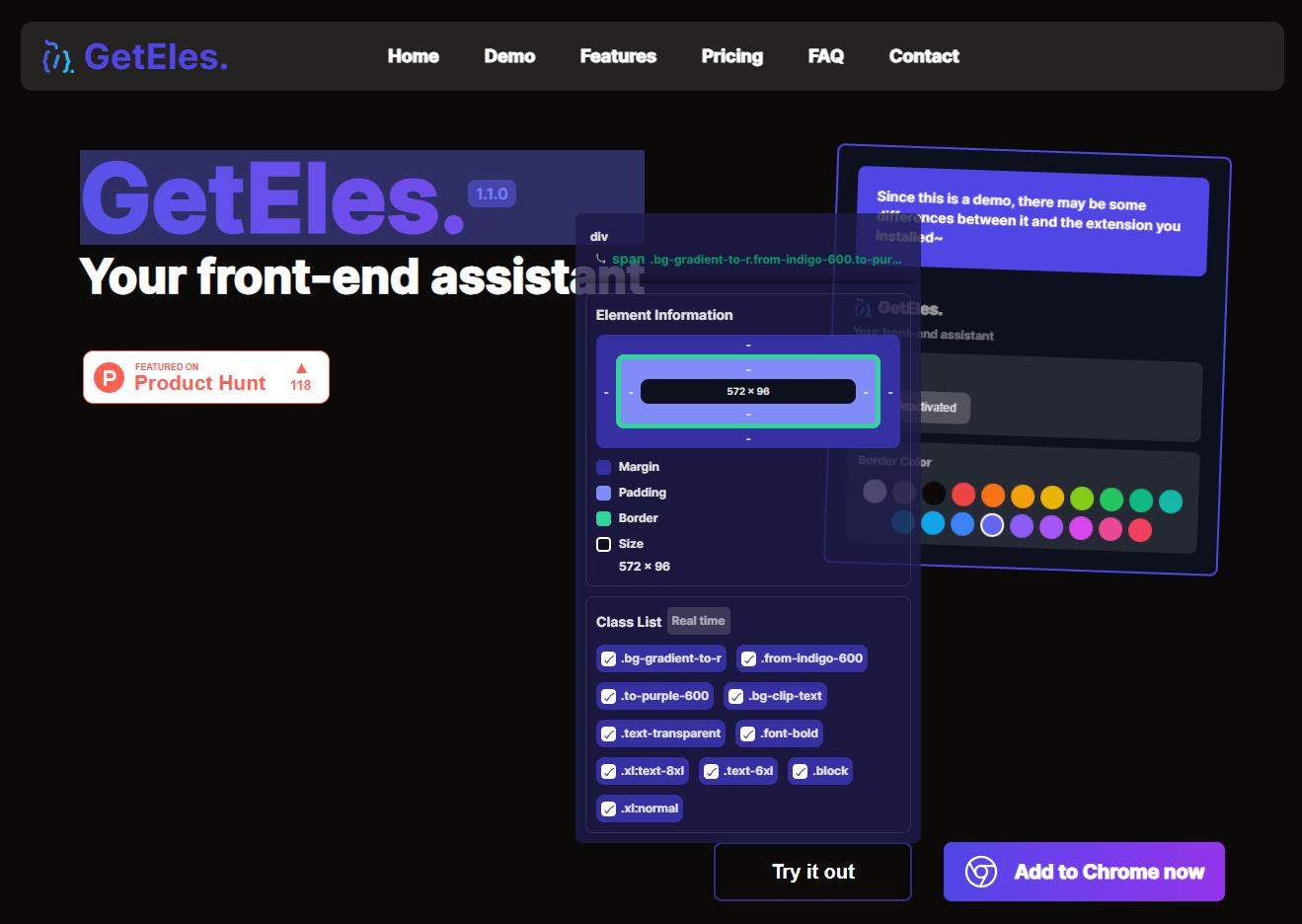
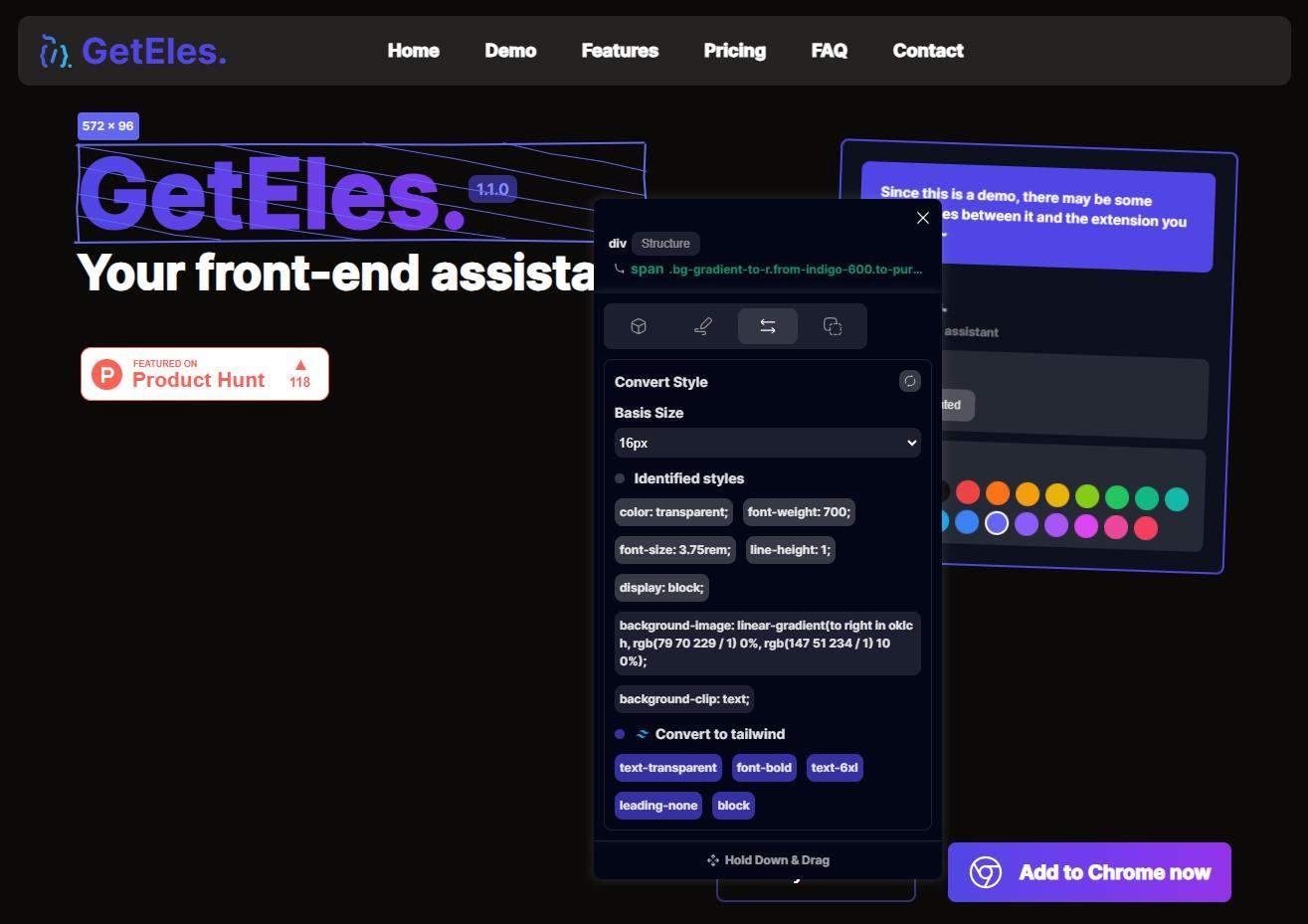
👉 Does the way GetEles displays information unintentionally block the user's view of the webpage?
If that’s the case, then instead of helping, GetEles might actually be getting in the way—a big no-no! 🚫
So, I began exploring the idea of making GetEles more “lightweight,” where it could keep all its powerful functionality without obscuring the page. And just like that, the concept of Lite Mode was born! ✨
🎉 Introducing GetEles: Lite Mode
This mode is sleek, non-intrusive, and blends seamlessly with your browsing experience. Here’s how it works:
🪶 Ultra-Light Interface: A compact GetEles logo attaches to the right side of the page.
🖱️ Effortless Activation: Double-click the logo, and a real-time info box follows your mouse as you navigate the page.
🔍 Detailed Insights on Demand: Click on any element, and the box instantly shows you all the details you need.
But that’s not all—Lite Mode also comes with exclusive features, like: 📝 Read Later.
Honestly, this mode has become my absolute favorite. It’s so intuitive and efficient that I use it all the time—no contest! 🏆
If you’re ready for a super lightweight, yet incredibly powerful experience, try Lite Mode today. I can’t wait to hear how much you love it! 🚀✨
Video: New Mode! 📺

