
GetEles
Developer Tools、Browser Extensions、Productivity
💡 Reimagining GetEles: A Lighter, Smarter Experience
After observing how users interact with GetEles, I started to wonder:
👉 Does the way GetEles displays information unintentionally block the user's view of the webpage?
If that’s the case, then instead of helping, GetEles might actually be getting in the way—a big no-no! 🚫
So, I began exploring the idea of making GetEles more “lightweight,” where it could keep all its powerful functionality without obscuring the page. And just like that, the concept of Lite Mode was born! ✨
🎉 Introducing GetEles: Lite Mode
This mode is sleek, non-intrusive, and blends seamlessly with your browsing experience. Here’s how it works:
🪶 Ultra-Light Interface: A compact GetEles logo attaches to the right side of the page.
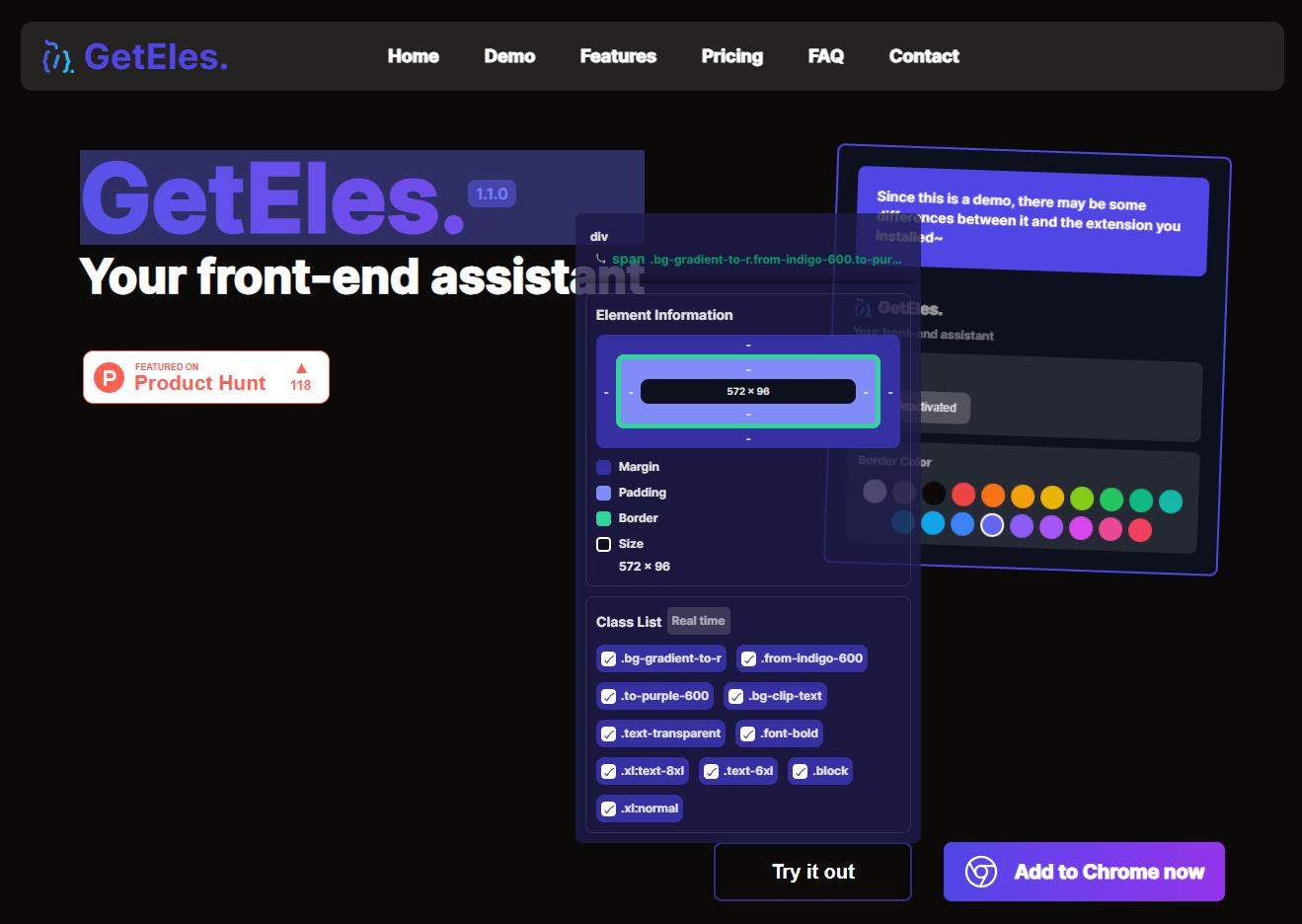
🖱️ Effortless Activation: Double-click the logo, and a real-time info box follows your mouse as you navigate the page.
🔍 Detailed Insights on Demand: Click on any element, and the box instantly shows you all the details you need.
But that’s not all—Lite Mode also comes with exclusive features, like: 📝 Read Later.
Honestly, this mode has become my absolute favorite. It’s so intuitive and efficient that I use it all the time—no contest! 🏆
If you’re ready for a super lightweight, yet incredibly powerful experience, try Lite Mode today. I can’t wait to hear how much you love it! 🚀✨
Video: New Mode! 📺

💡 The Evolution of GetEles: Making Styling Simpler
Lately, I’ve been reflecting on how GetEles could do more to bridge the gap between element information and practical coding needs. While it’s great for debugging, viewing, copying, and applying element styles, there’s still room for improvement.
Here’s the challenge:
When I need to replicate an element’s styling, I first inspect its styles, then manually transfer them to my code. Finally, I adjust them to fit the framework I’m using. Sounds exhausting, right?
Troublesome! Troublesome! Troublesome! 😩
That’s when inspiration struck 💡—why not integrate Tailwind CSS? It’s a game-changer in the development world and perfectly suited to make styling easier. Imagine this:
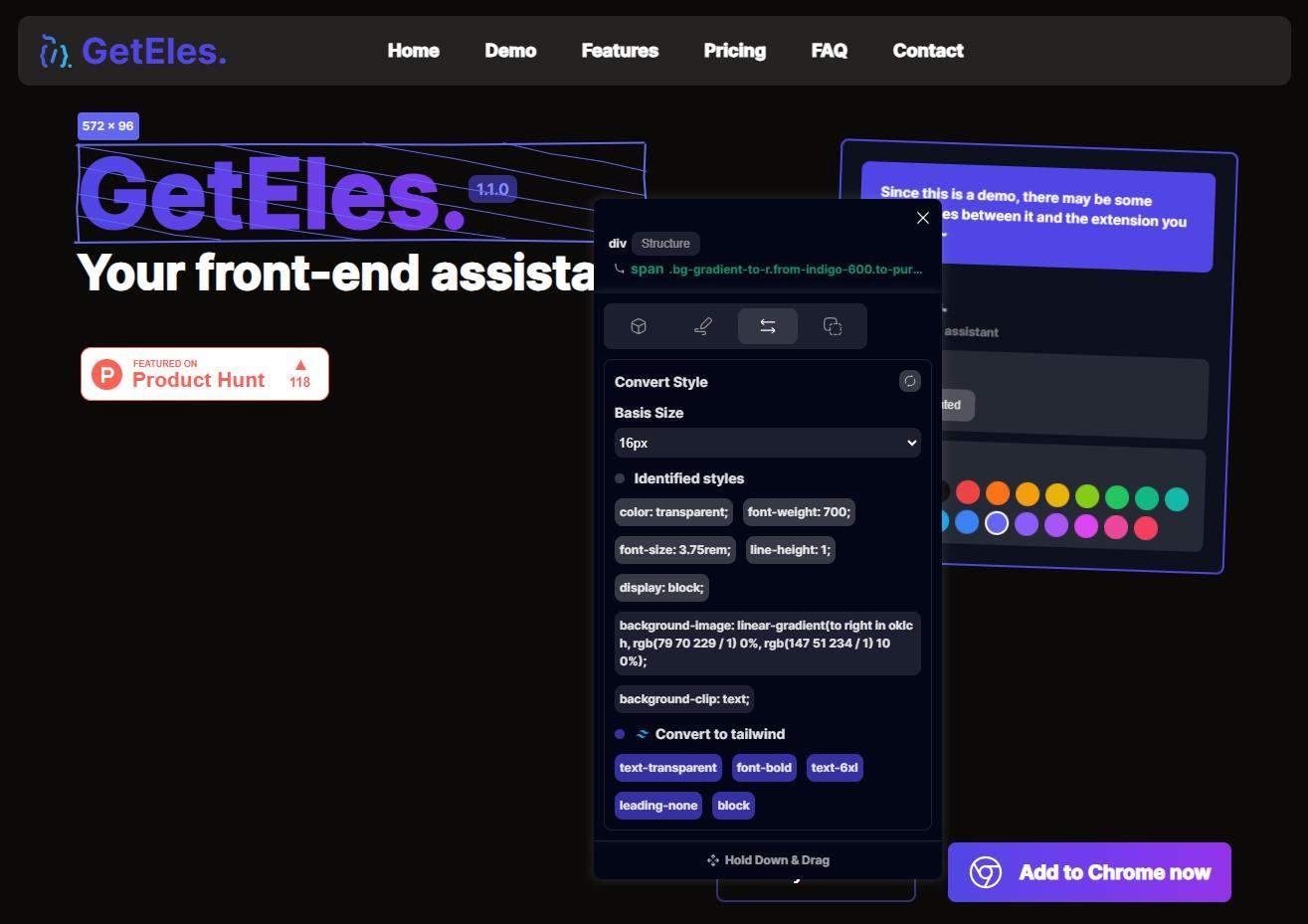
If GetEles could not only extract an element’s styles but also convert them into Tailwind CSS classes, all I’d need to do is:
1️⃣ Copy the Tailwind classes.
2️⃣ Paste them into my code.
That’s it. Two steps. Done. 🚀
Wouldn’t that be amazing?
🎉 Well, great news—it’s here! This new feature has officially landed in GetEles, and it’s designed to save you time and effort while seamlessly integrating with Tailwind CSS. No more manual style tweaks, no more headaches. Just copy, paste, and build! 🛠️✨
Let me know what you think—your feedback always inspires the next evolution of GetEles! 💻💡
Video: What's new in 0.2.0? 📺
👋 Hi there! As a front-end development engineer with over 10 years of experience, browsers and IDEs have been my constant companions. Along the way, I’ve developed a habit of borrowing inspiration from well-designed websites—be it their styles or interactions. Whenever I see something that stands out, I instinctively think about how I can incorporate it into my projects to create an even better experience for my users. 🌟
However, one thing has always bothered me: getting detailed web page or element information is a hassle. Every time, I’d have to press F12 to open the developer tools, dig through endless DOM structures, and often disrupt the original layout or interaction of the page. Sound familiar? 😅
That's what inspired me to create GetEles, a browser extension designed to simplify this process. With just a few clicks, you can quickly access all the information you need—without the distraction of the DevTools interfering with the web page's appearance or functionality. ✨
After a month of development, I’m thrilled to introduce GetEles to you. Its name draws inspiration from the JavaScript method getElementsBy*, reflecting its purpose: making it easier for designers and developers to save time and effort. 🖥️💡
🚀 Features of GetEles
Web Page Info: Quickly grab essential page details like title, description, and colors.
Element Details: Inspect an element’s class list, inline styles, margins, paddings, and more.
Measurement Tool: Measure distances between elements directly on the page.
While the extension isn’t free (to support future updates and improvements), you can try it risk-free! 🌟 Check out the official GetEles website for a free trial version where you can explore most of its features. The trial includes everything except a few shortcut functionalities exclusive to subscribers.
I hope GetEles becomes your go-to assistant for web design and development! Let me know your thoughts, and happy coding! 🚀💻✨
Video: What is GetEles? 📺
Comment