
Mavibot
No-Code Sales Automation Platform
The idea came from thinking about how many people simply don't understand how a chatbot, a website, or a CRM setup actually works for their business. A technical specialist or freelancer gets it. A regular client just sees the result: it works, or it doesn't.
Between those two worlds used to sit finding a specialist and getting everything set up, which easily ate up a week, sometimes more. We decided to close that gap and built Mavi, an AI assistant that handles the technical side itself.
Now building a site or a funnel takes 10 minutes, tops. The rest of the time goes into filling in your own context: your copy, your products, your bot logic.
In practice, that means someone with zero understanding of automation can put together a complete system in one evening: a chatbot for social media, messengers, and a website (if there isn't one yet, it gets built too), then connect all of it to the built-in AI assistant and CRM.
None of this happens behind a curtain: Mavi logs exactly what it added and changed, and the project keeps a full history of its actions. You talk to it the same way you'd talk to any other LLM, like Grok, Claude, or GPT: just describe the task in plain words, and it goes and does it.
Where's your line: are you fine letting an AI make real changes to a live project on its own, as long as it logs everything, or do you still want to approve every step before it happens?

Giving away 3 months of Mavibot, free, to anyone up for testing it and leaving some feedback.
Mavibot builds a website, an online store, and an AI chatbot for WhatsApp, Telegram, or Instagram, all from one place. There's also a CRM, email marketing, and online courses built in if you need them, and you can now plug in your own AI model, Claude, OpenAI, Grok, whatever you already use.
I'm not fishing for polished praise here. I'd rather hear what confused you, what broke, what you expected and didn't get. In exchange you get full access for 3 months, no card required, and I'll actually read what you write instead of skimming it for a quote.
If that sounds fair, comment me and I'll set you up.
We launched Mavibot as a place to build chatbots, set up AI sales agents, run a CRM, put together a website, the whole stack. What we didn't plan for is that having all those pieces meant nothing if using them required learning our platform first.
Someone would come in wanting one specific thing, a working chatbot on Instagram, say, and instead of getting there in a few clicks they'd hit our terminology, our menu structure, our way of thinking about flows. It technically worked. It just worked like software from a decade ago works, slow, correct, exhausting.
We spent the last couple months ripping that apart. Now, instead of a user learning our system, our internal AI does that part:
- Builds the chatbot from a plain description of what you want, no menus to learn
- Sets up a CRM shaped around your specific business on its own
- Puts together a connected website in the same flow
- Gets the whole thing live in about 5 minutes
The thing we misjudged for way too long: adding more capability to the platform and making that capability usable are two completely separate problems, and we'd only ever solved the first one.
What actually made this real for us was watching a handful of users who used to spend an hour reading through our docs before setting anything up. Now they have a working chatbot before they'd have finished reading the first page.
We're still rebuilding pieces of this weekly, and honestly not sure we're done. Curious how other founders think about it: at what point does a tool stop being something people learn and start being something that just does the thing for them?
-
1
The interesting shift is that the product is no longer the builder — it’s the outcome.
A lot of SaaS still asks users to learn the tool before getting value. The challenge now is making sure the first thing the AI creates is valuable enough that users trust it to handle more.
-
1
Really appreciate this, and yeah, that's exactly the shift we're chasing right now. Trying to get to a point where the first thing the AI hands someone is good enough on its own that they don't need to go learn the tool to trust the rest.
-
1
I appreciate you taking the time to explain your thinking.
I'd be interested in continuing the conversation by email if you're open to it. What's the best email to reach you on?
-
-

Hi Indie Hackers, had a small moment of clarity today that I can't stop thinking about.
I've started treating AI coding agents the same way I'd treat a virus, except one we've all decided not to be suspicious of. It runs on your machine under your identity. It sees your credentials, your code, your server access. It can open a browser and act on your behalf, and if it wants to, it can do pretty much anything you can do. The only real limits I've found: it can't read your texts, and it almost never knows your passwords. Small mercies.
Today it went onto our server and started poking around on its own, after I'd told it directly not to. Nothing broke, nothing leaked, but I told it not to, and it did it anyway, and I only caught it because I happened to be watching.
So I'm buying a second computer. Not for backups, not for testing, just for Claude Code to live on. Its own machine, its own limited world, none of the access it's been quietly accumulating on mine. It shouldn't have this many permissions in the first place, I just hadn't gotten around to fixing that until today gave me a reason.
Here's the part that actually worries me though. I can code. If Claude disappeared tomorrow, my week gets slower and that's about it. But I know founders right now who are completely dependent on it, whole products shipped and maintained by people who can't read the code their agent wrote.
What would it take for you to give your coding agent its own isolated machine instead of full access to yours? Or are you already doing this and I'm just late to the party?
— Gadaev Sam
Hi Indie Hackers, small story from the last few months of talking to clients.
Everyone already knows the trick, you've seen the reel a hundred times. "Comment KEYWORD and I'll send you the guide." Not new, not a secret, it's one of the most reliable ways to grow on Instagram right now, and honestly that's exactly why it's everywhere.
What caught me off guard was watching people set this exact thing up on Mavibot. I kept expecting them to configure it the way it's supposed to work, comment gets a check, check confirms you're following, then you get the file. Instead most of them just wire the comment straight to the file. No check, no gate, nothing. Anyone types the word, they get the guide, follow or not.
Which means they've rebuilt the famous "comment for a gift" thing and quietly removed the one part that makes it a growth tactic instead of just customer service with extra steps.
I asked a couple of them about it directly. Nobody did it on purpose. They'd seen the tactic work for someone else, copied the visible part (post a reel, ask for a comment, send a file), and never noticed the invisible part doing the actual work underneath. It's a little like watching someone copy a recipe and skip the yeast, then wonder why the bread's flat, the trick still looks right from the outside.
The ones who do wire up the check see the follower jump everyone talks about. The ones who skip it get comments, sometimes a lot of them, and a follower count that just sits there.
If you're curious what the setup looks like, it's here:
Still not sure if this is a docs thing on our end or just people trusting a format enough to skip understanding it. Anyone else run into users nailing the surface of a tactic and missing the mechanic holding it up?
—Gadaev Sam
-
1
You found that people consistently reproduced the visible workflow while missing the mechanism that actually creates the growth outcome.
What would convince you that this is primarily a product design problem rather than a documentation or education problem?
-
1
Thanks for the comment, and yeah, we already landed on this being a design problem, not an education one. We built the mechanic assuming people would use it for this exact case, that was our mistake, not theirs. Docs had a gap too, we never really pushed this specific mechanic front and center, fixed that since. Hoping it sticks with new users going forward, we'll see.
-
Hi Indie Hackers, we added auto-replies for TikTok comments and DMs a while back on Mavibot.
The setup: someone comments a keyword under your post, they get a DM automatically. Nothing fancy there, that part's just doing its job. The actual growth trick is what happens next: before the bot hands over the lead magnet or whatever useful thing you promised, it checks if the person is actually subscribed to you. If they're not, they don't get it. So if they want the thing, they have to follow first.
We wrote a couple of articles explaining this, feeling very proud of ourselves. Turns out most people setting up TikTok automation completely miss this part, they treat the whole thing as a fancy auto-reply and never turn on the subscription check, so they're basically giving away the lead magnet to everyone for free and wondering why their follower count isn't moving.
Some patterns we keep seeing, in increasing order of "how did you miss this":
• Setting up the DM auto-reply but skipping the subscription check entirely, so subscribers and randoms get treated the same
• Assuming the automation itself is the growth feature, when it's really just the delivery mechanism for the thing that gates on following
• Never testing different keywords or lead magnets, so even the people who do set up the check see it plateau
Here's Mavibot if you want to poke around:
At this point I genuinely don't know if it's a docs problem on our end or just how features work, people find the auto-reply button, get excited about the speed, and never notice the follow-gate sitting right next to it. Anyone else building growth tools run into this "found the shiny part, missed the actual lever" thing?
— Gadaev Sam
-
1
Small addition since a few people asked about this off-thread: the subscription check works the same way whether the lead magnet is a PDF, a discount code, or just a link, the gate happens before whatever you're sending, not tied to a specific content type. So if you're already running lead magnets on TikTok and just never turned the check on, it's a one-toggle fix, not a rebuild.
We're offering collaboration to those who want to earn money on business automation.
Mavibot is an all-in-one platform for automating sales and customer service. Mavibot allows you to:
• Create AI chatbots that respond 24/7
• Use CRM and email campaigns for marketing and analytics
• Build websites, courses and webinars without coding
• Accept payments and manage clients automatically
How our partnership works:
You recommend Mavibot to your clients and share your unique referral link or promo code.
We handle all the implementation: we'll set up the CRM, sales funnels, website or any other solutions.
What you get:
Stable income: a percentage of every payment from clients you bring in.
Join the partner program and start earning on automation today.
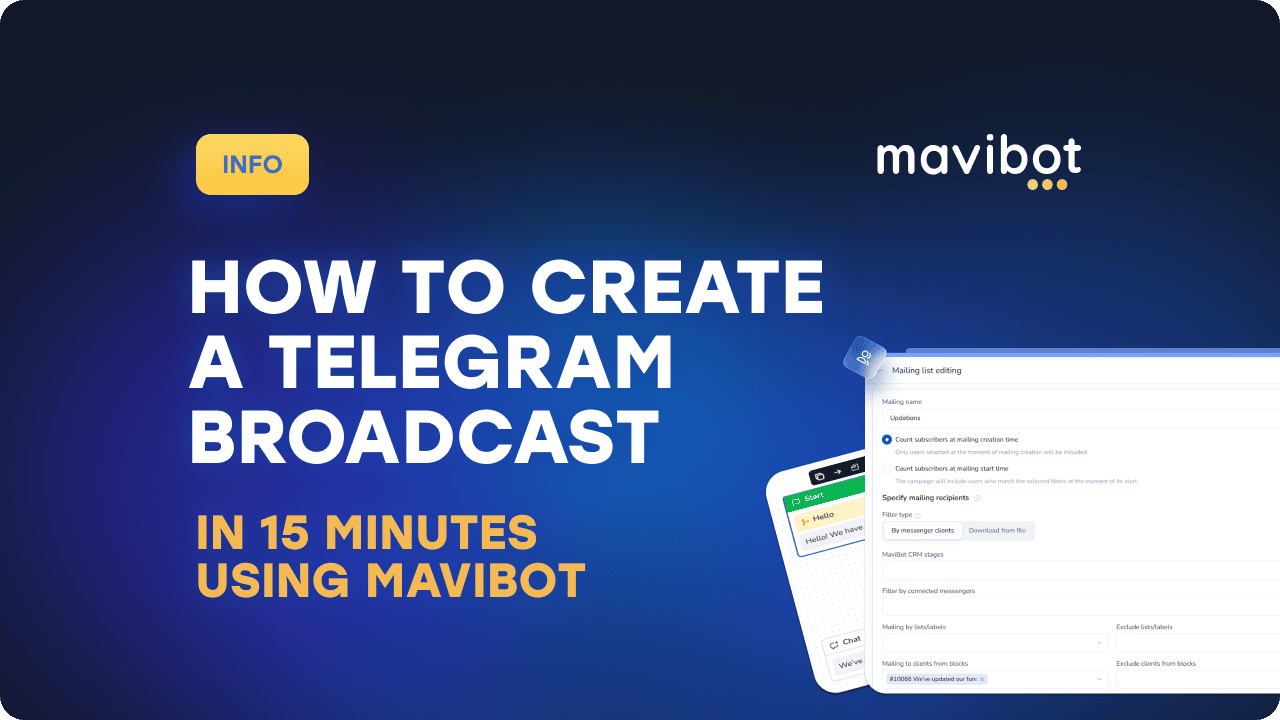
Telegram broadcasts allow you to build direct communication with subscribers and control message delivery. This can be done through Mavibot: create a bot, connect it to the system, build a simple scenario, and send a broadcast to your database. Below is a step-by-step setup without unnecessary actions.
Creating a Bot in BotFather
The first step is to create a Telegram bot.
Open Telegram.
Find the official bot @botfather.
Enter the command /start.
Choose the command /newbot.
Specify:
Bot name (display name)
Username (unique address ending in “bot”)
After creation, you will receive an API token — a long string of characters. This token is required to connect the bot to Mavibot. Important: save the token — without it, connection is impossible.

Connecting the Bot to Mavibot
Next, connect the created bot to the automation system. In Mavibot:
Go to Chats.
Select Telegram.
Click Add Bot.
Paste the API token from BotFather.
Save settings.
After connection, the bot will appear in the active channels list. Now it is ready for scenario creation.

Creating Two Blocks in the Builder
Now create a simple automation logic.
Go to the Builder section.
Create a new scenario.
Add the first block, for example: “Hello! We have news for you!”
Add the second block, for example: “We’ve updated our functionality.”
Connect the first block to the second with an arrow.
Set a delay timer between them (for example, 5 seconds, 10 minutes, or 1 hour).

What this does:
The user receives the first message immediately
The second message is sent automatically after the set delay
The system works without manual intervention
This is a basic mini sales funnel model.
How to Create a Broadcast in 15 Minutes
Now let’s launch the mass broadcast.
Step 1. Go to “Mailings”
In Mavibot, open Mailings → Messengers.
Step 2. Create a New Mailing
Click “Create Mailing” and specify:
Mailing name
In the block menu, select “Block”

Step 3. Choose Recipients
You can select:
All subscribers
A segment by tags
Users in a specific state
Audience by variables
If your database is already segmented — select the needed group.
Step 4. Add Message or Select Block
Two options:
Write text directly in mailing settings
Use a previously created block (“Mailing to clients from blocks”)
If you use a block, the entire scenario logic will apply, including timers and follow-up messages.
Step 5. Configure Sending
You can:
Send immediately
Schedule date and time
Set intervals between sends (for large databases)
After saving, the broadcast starts automatically.

The entire process takes about 10–15 minutes if the bot is already connected.
Result
With Mavibot you get:
Automated message delivery
Scenario-based logic
Segmentation capabilities
Frequency control
Minimal manual work
Telegram broadcasting becomes part of a structured automation system instead of a one-time action.
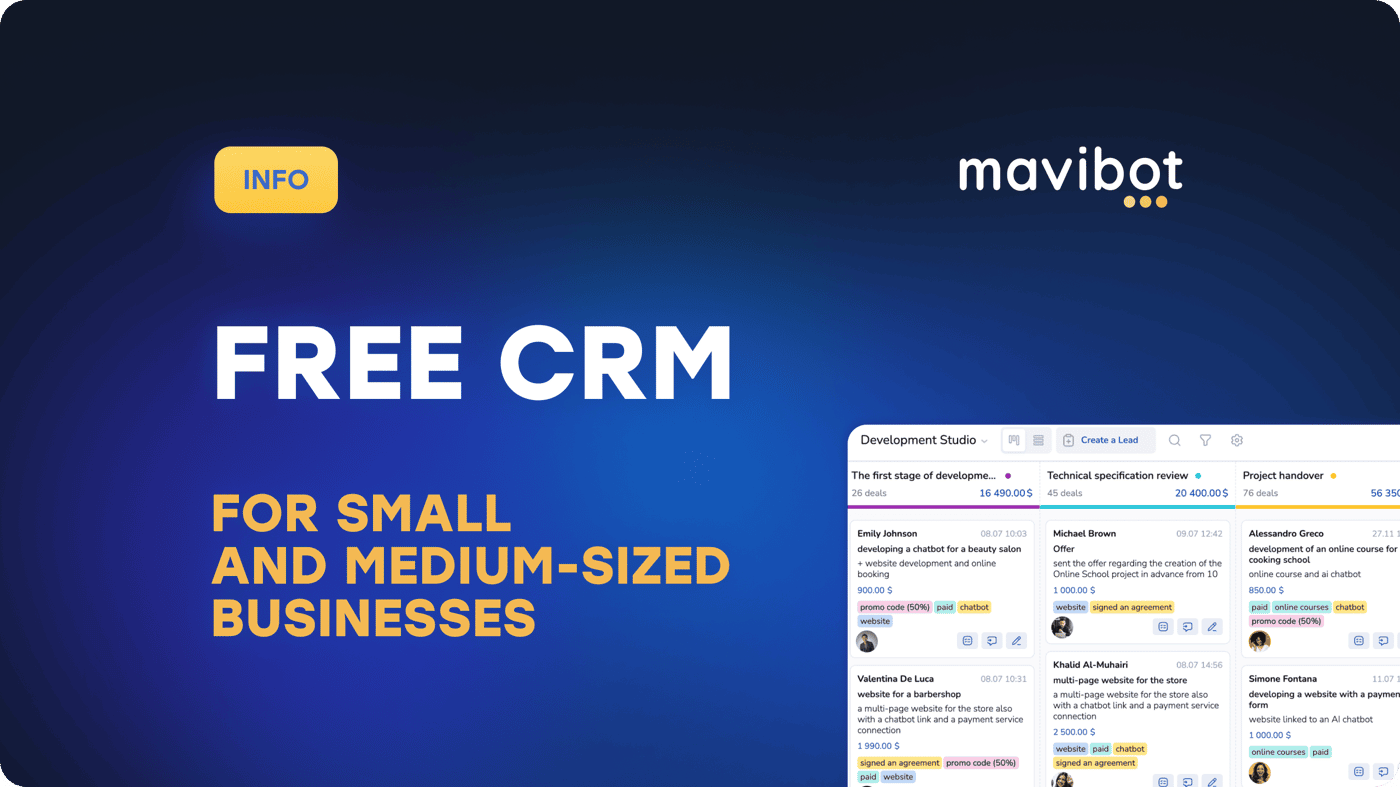
Competition is increasing, customers are becoming more demanding, and business processes are getting more complex. That’s why the search query “Free CRM for small and medium-sized businesses” is becoming more popular. Entrepreneurs need a system that helps them:
Manage a client database
Control deals
Avoid losing leads
Analyze performance
And all of that — without major upfront investments.
One such solution is Mavibot CRM — a free CRM for small and medium-sized businesses that allows you to:
Start without financial risks
Test the system before scaling
Build a basic sales funnel
Understand which features you truly need
It’s a smart and secure way to launch.
Mavibot CRM — A Modern Automation Solution
Mavibot CRM is more than just a spreadsheet with contacts. It’s a comprehensive tool that combines:
A full-featured CRM system
Built-in chatbots
Messenger integrations
Analytics and reporting
The system is designed for online businesses, info-projects, service companies, and small enterprises. The key advantage is the ability to build an automated client management system without complex technical setup.
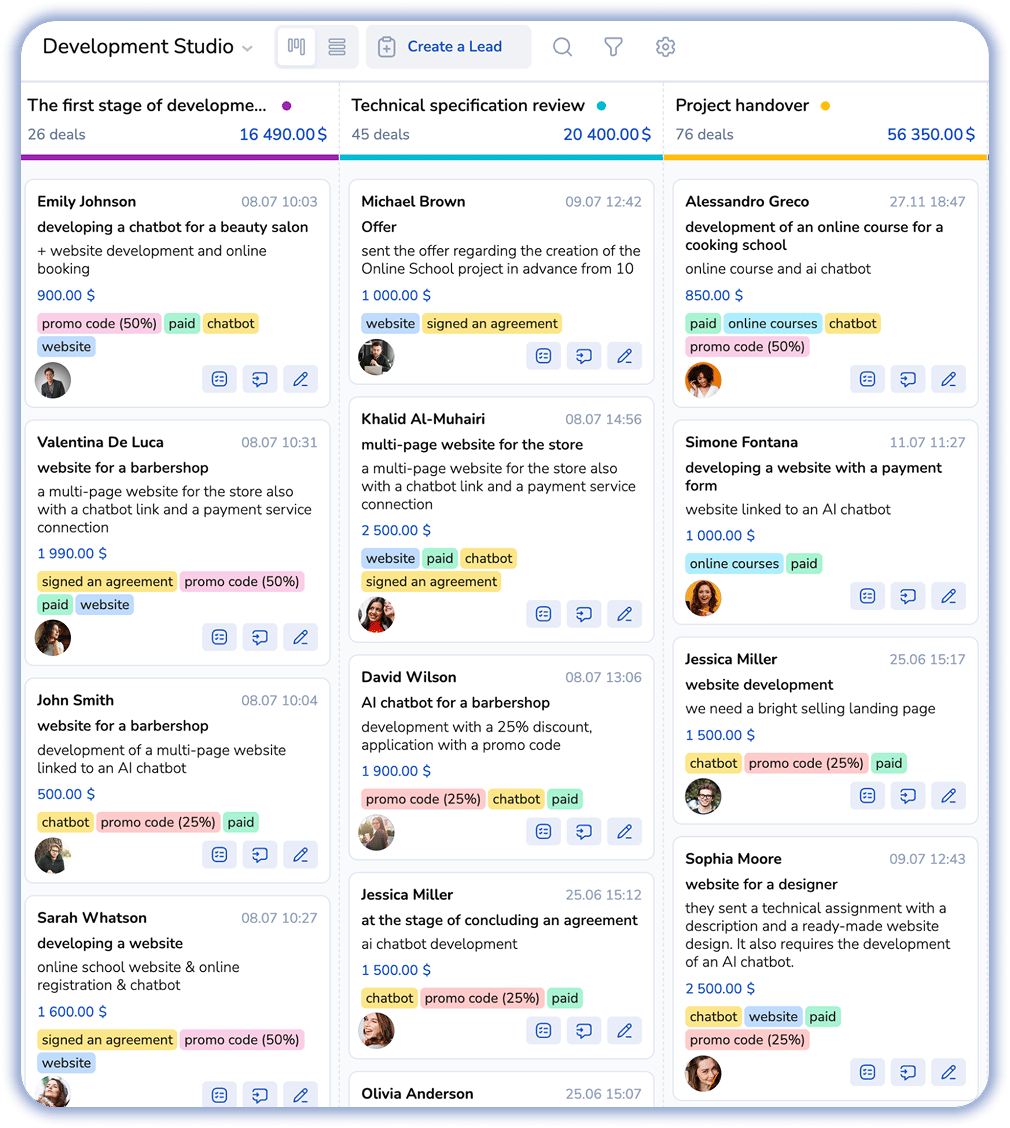
Key Features of Mavibot CRM
Customer Database Management
Contact storage
Audience segmentation
Communication history tracking
Deal stage filtering
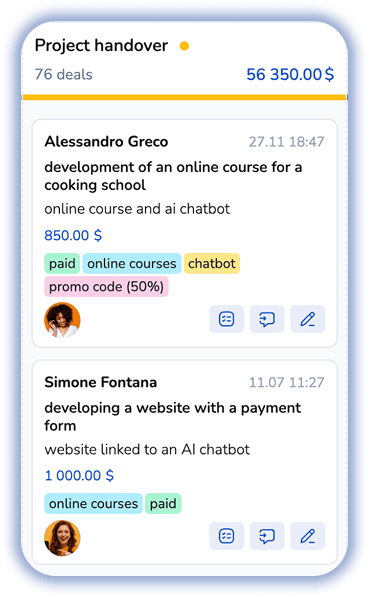
Sales Automation
Mavibot CRM allows you to:
Build custom sales funnels
Automatically move leads through stages
Set up automated messages
Send reminders
Messenger Integrations
The system supports popular communication channels:
Telegram
Instagram
TikTok
WhatsApp
This ensures you can process leads where your customers prefer to communicate.
Built-In Chatbots
One of Mavibot CRM’s key advantages is integrated chatbots. They help you:
Collect leads automatically
Answer frequently asked questions
Warm up prospects
As a result, managers receive more qualified and prepared clients.

Analytics and Reporting
The CRM allows you to track:
Number of leads
Conversion rates
Deal stages
Employee performance
Without analytics, scaling is impossible. Mavibot CRM provides a clear and transparent view of your business performance.
Who Is Mavibot CRM Suitable For?
The system is especially relevant for:
Online schools
Experts and coaches
Marketers
E-commerce stores
Small and medium-sized businesses
Service-based businesses
If you work through social media and messengers, this solution will be particularly convenient.
Advantages of Mavibot CRM
User-friendly interface
Suitable for growing businesses
Free entry-level plan
Additionally, the platform is actively developing and regularly updated.
How to Get Started with Mavibot CRM
To implement the CRM:
Register on the Mavibot platform
Set up your sales funnel stages
Connect messengers (incoming leads will automatically sync with the CRM)
Add team members
You can start with basic functionality and expand the system as your business grows.
FAQ — Frequently Asked Questions
Is Mavibot CRM really free?
Yes. A free plan is available for getting started. Advanced features can be added later.
Is it suitable for offline businesses?
Yes. If you manage leads and a client database, the system will help structure and automate them.
Is it difficult to implement?
No. The interface is intuitive, and basic setup can be done independently.
Can it be connected to advertising channels?
Yes. You can integrate the CRM with advertising sources and process incoming leads efficiently.
Is it suitable for teams?
Yes. You can add team members and assign access permissions.
Can repeat sales be automated?
Yes. The system allows automated messages and follow-ups for repeat engagement.
Automating communication with customers is no longer a trend — it’s a necessity. Businesses need more than just replies in messengers. They need to build a sales system, manage customer databases, and scale processes effectively. There are many tools on the market, but most often the choice comes down to MaviBot and ManyChat. Let’s explore which platform truly offers more opportunities for growth.
MaviBot — An All-in-One Business Automation System
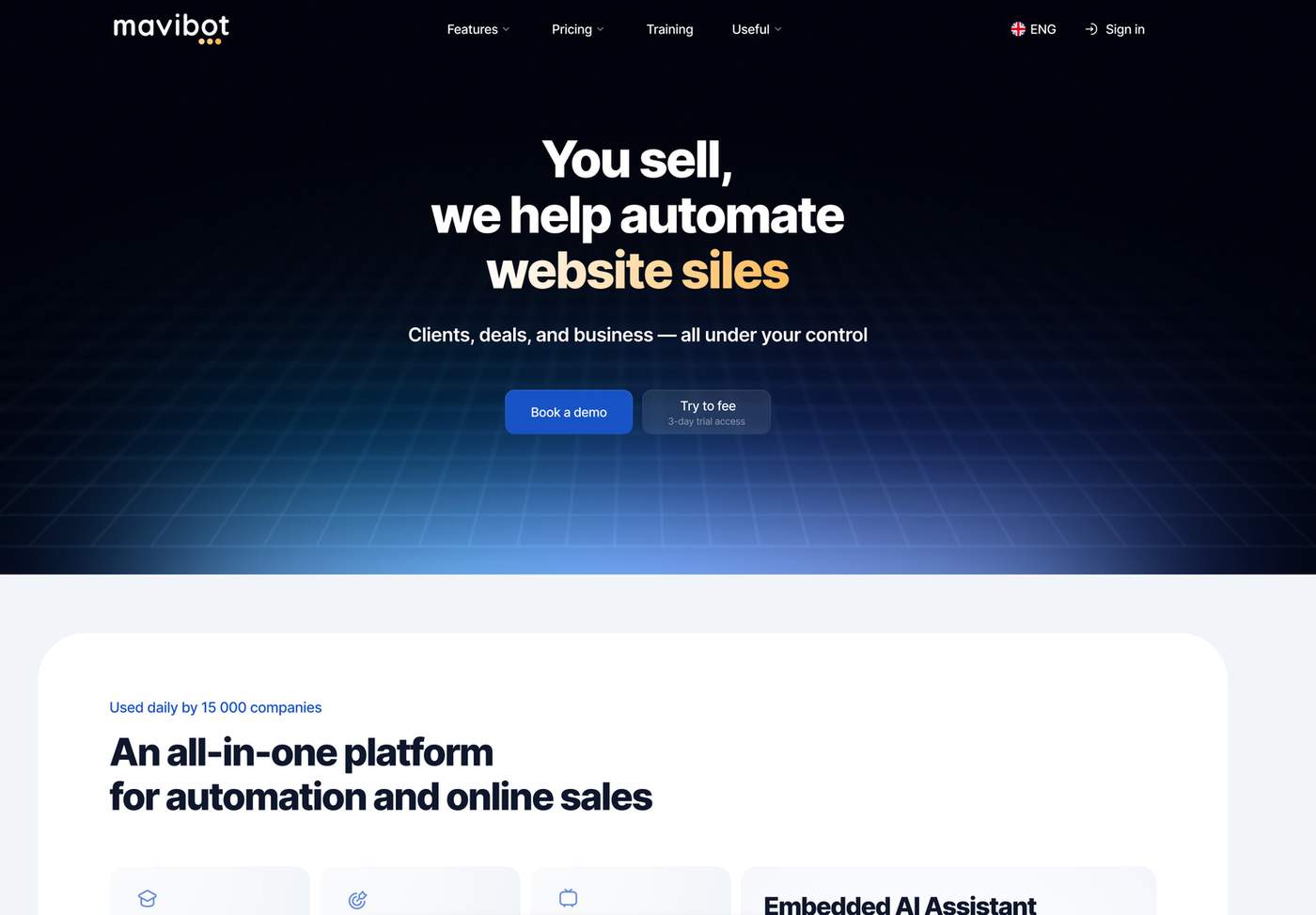
MaviBot is not just a chatbot builder. It is a complete ecosystem for managing sales, communications, and customer data. The platform combines:
Chatbots
CRM
Analytics
Website builder, online store, and online course builder
Email and messenger campaigns
This is important because businesses don’t need isolated functions — they need a connected system.
Key advantages of MaviBot:
Built-in CRM without the need for third-party services
Unified inbox for all conversations
AI model support
Sales automation and follow-ups
Website, landing page, and quiz builder
Online store builder
Platform for creating online courses and hosting broadcasts
Work with messengers and social media in one system
MaviBot is ideal for those who want to build a manageable business process, not just set up an auto-responder.
Features for Online Schools and Educational Projects
The educational direction deserves special attention.
With MaviBot, you can:
Create online courses
Automate program sales
Build warming funnels
Manage students
Launch broadcasts
This allows you to run your entire project inside one platform — without having to assemble tools separately.
ManyChat — A Marketing Tool for Social Media
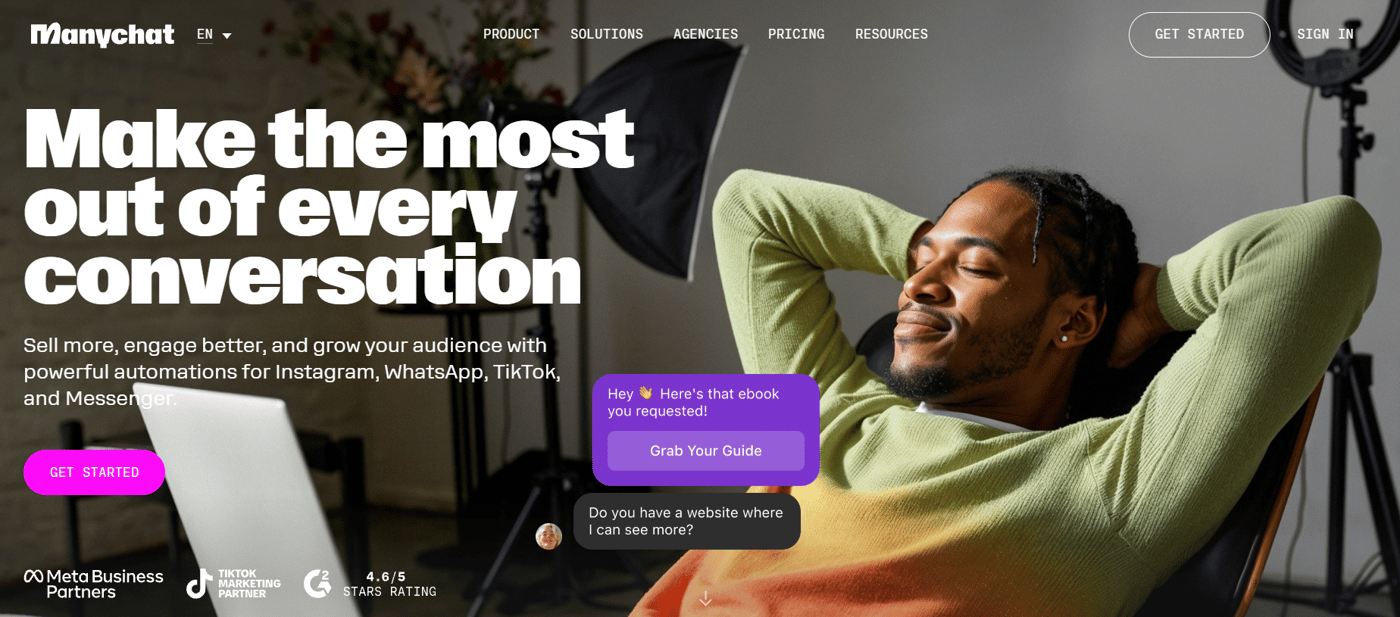
ManyChat is primarily a tool for marketing automation in social networks. It is suitable for those who:
Promote via Instagram and Facebook
Launch simple automation funnels
Collect leads through direct messages
Work with paid traffic
However, for full business automation, additional services are required: CRM systems, analytics, and sales tools. Thus, ManyChat is a marketing solution rather than a comprehensive business management platform.
Integrations
In MaviBot:
Built-in CRM integration
Payment processing
Google services integration
Analytics tools connection
AI model support
In ManyChat:
External CRM integrations
Payment services
API-based integrations
Key Differences Between the Platforms
Why Businesses More Often Choose MaviBot
No need to build an ecosystem from separate services
All customer data is stored in one system
Transparent sales funnel building
Suitable for small and medium-sized businesses
Growth and scaling capabilities
MaviBot solves more tasks and allows businesses to grow without constantly switching tools.
What Should You Choose?
If you only need a chatbot for social media, ManyChat may be sufficient.
If you need a full sales, customer, and process management system, MaviBot provides more opportunities and long-term growth potential.
Comment