What's new with Rails UI - Issue 2
by Andy LeverenzWhat's new with Rails UI - Issue 2
Thanks for tuning into another Rails UI update. I've regrettably been busy with some personal matters outside my software life, but I do have some updates to share that I'm excited to share.
Below is a quick video of some of the latest Rails UI happenings. I apologize for some quick jumps in the video due to technical issues. I ran out of time, and rendering this sucker took forever 😅.
In the video, I walk you through how to install and configure Rails UI for the first time. You're good to go if you have ever installed a gem before. Nevertheless, a visual is always helpful!
The gem is an engine that mounts to your app. An entire configuration UI and design system UI gets bundled with the engine.
My idea is to be pretty opinionated up front (sort of like the Rails convention over configuration part of the doctrine) with what you can configure with the option to customize later as your application evolves.
The installation and configuration process goes like this:
- Install the gem
- Run the Rails UI installer generator
- Load your app locally and visit
localhost:3000/railsui. - Configure your Rails UI installation by setting your app's name, choosing a CSS framework (Bootstrap, Tailwind CSS), choosing an associated theme, and installing any additional pages with a given template.
That's it. Once installed, you will see more resources available as a design system at localhost:3000/railsui/systems. There is an entire design strategy provided as a source of truth for repeatable design elements. Additionally, as part of the theme, Rails UI includes static pages and templates ready for use. The number of pages and templates will go as time goes on, but to kick things off, I am providing one Bootstrap, and one Tailwind CSS theme to get the foundation built and all the kinks worked out.
Documentation
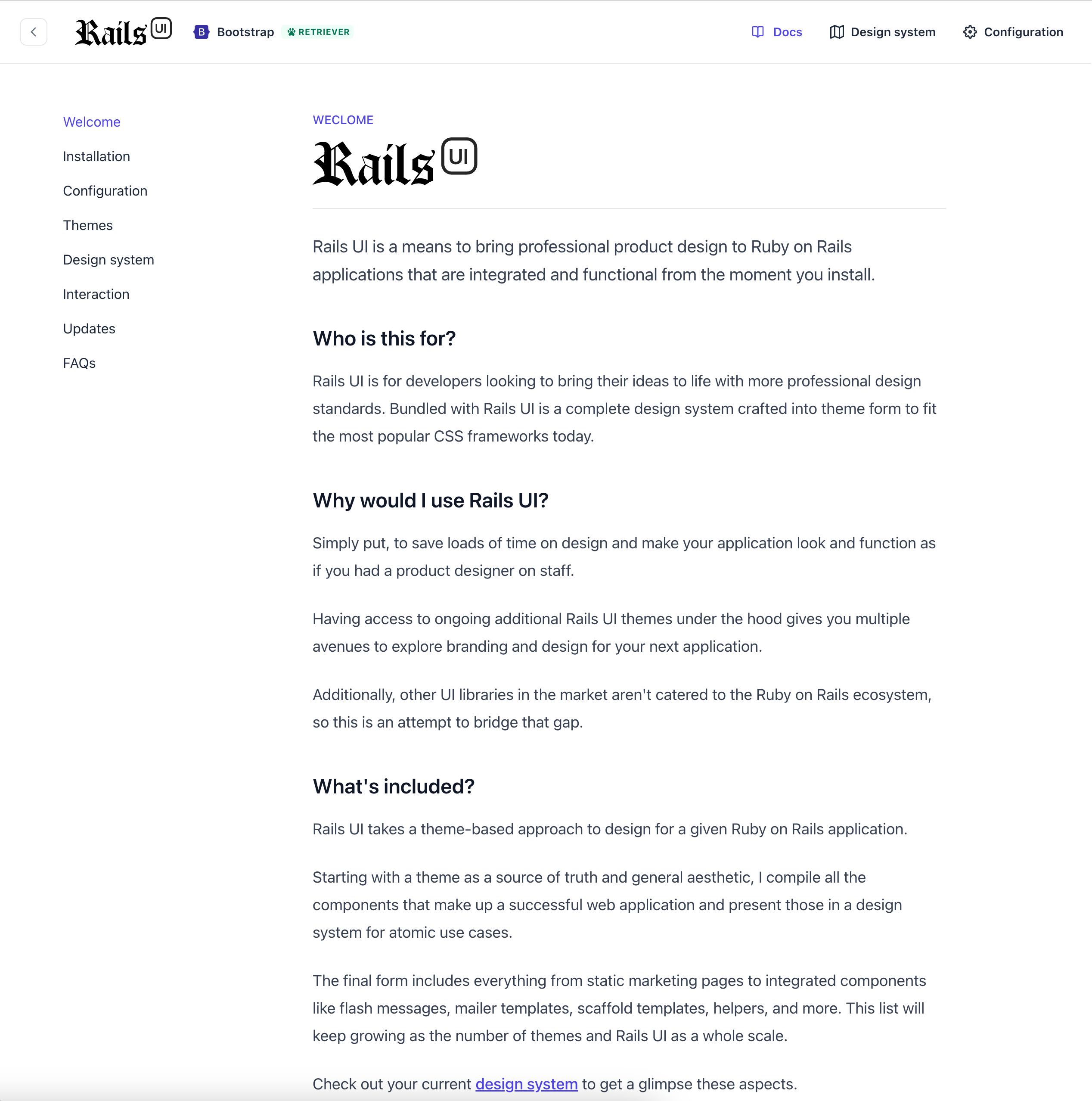
Rails UI now has integrated documentation. I plan to host this on railsui.com eventually, but having it local seems more efficient too! There are a few more FAQs I plan on adding and planning around how updates, future themes, and more will work, but I'm getting closer to finishing the alpha version.
Now, with dark mode
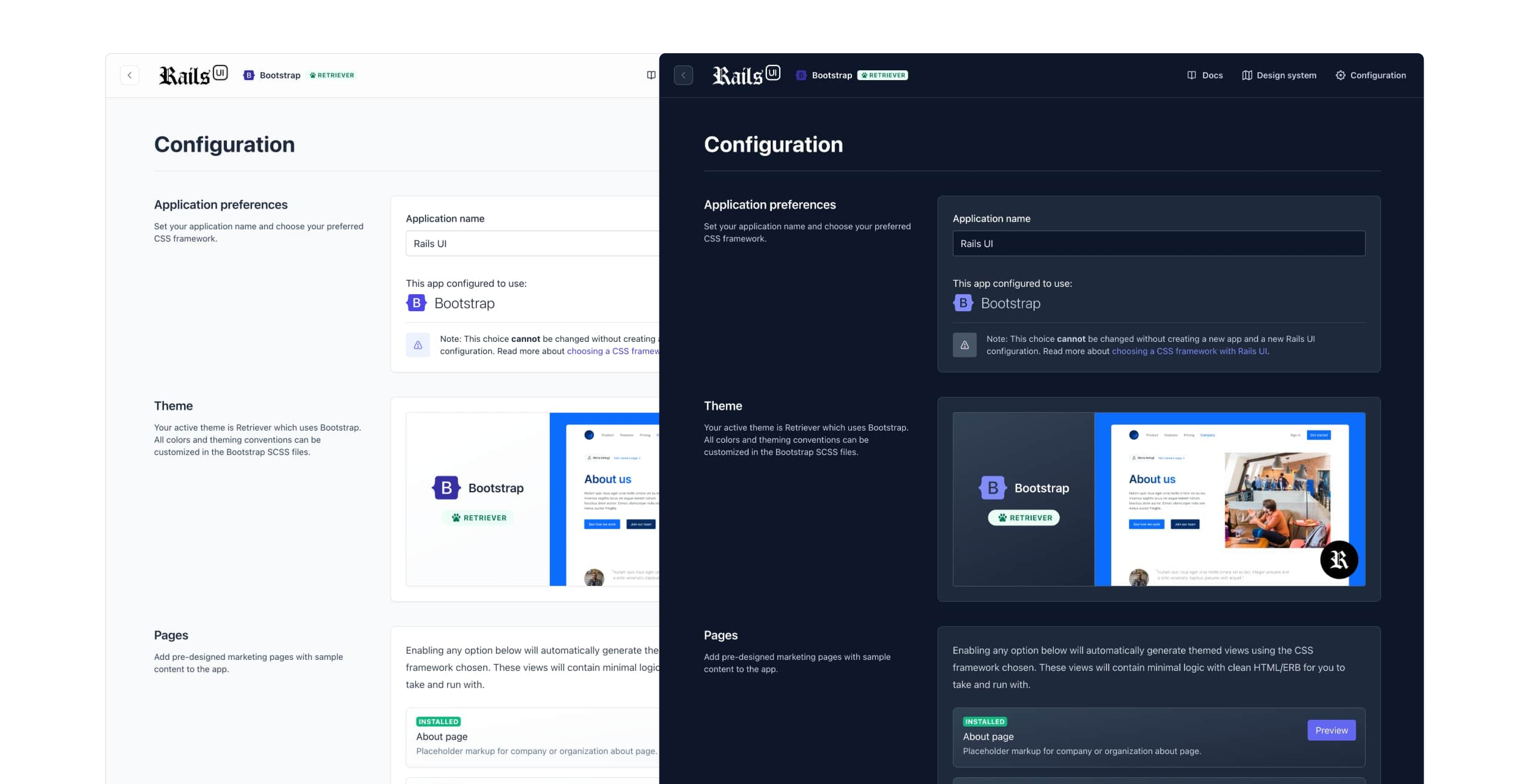
It is silly to add dark mode support to a v1, but Tailwind makes it easy, so why not? Dark mode support is automatically enabled depending on your operating system's settings, and I'll eventually add a switch to toggle this in real time.
Will themes have dark mode support?
For now, only Tailwind CSS themes support dark mode by default. Bootstrap could have better support for this out of the box, but I wanted to add it when more substantial progress gets made elsewhere.
Email template support
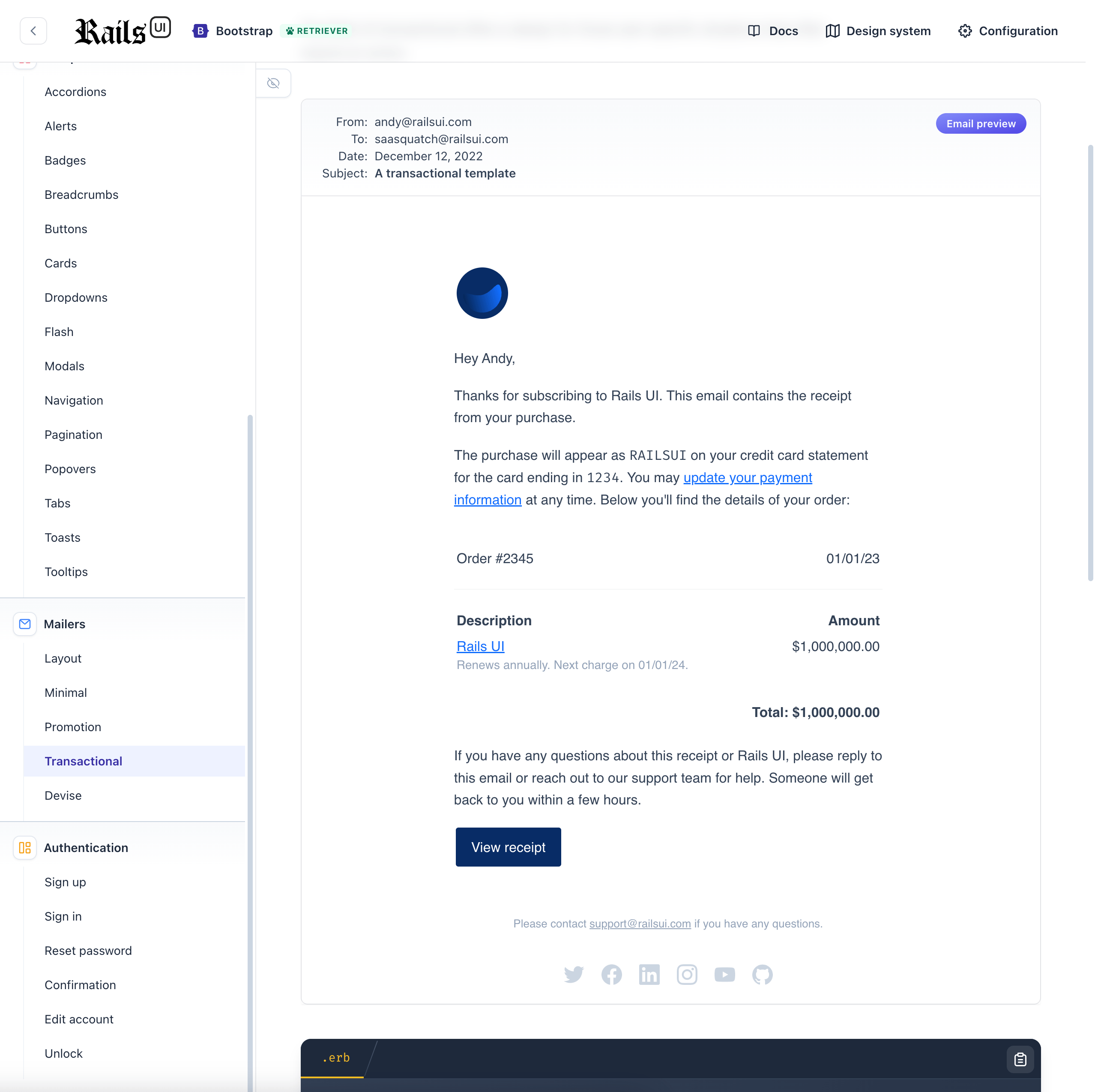
Because Rails comes with the ActionMailer framework, I decided to provide some sensible templates for emails of a few varieties. This list will undoubtedly grow, but I included a general customized responsive layout with email templates for transactional, minimal, marketing, promotional, and Devise related templates.
A refreshed responsive design
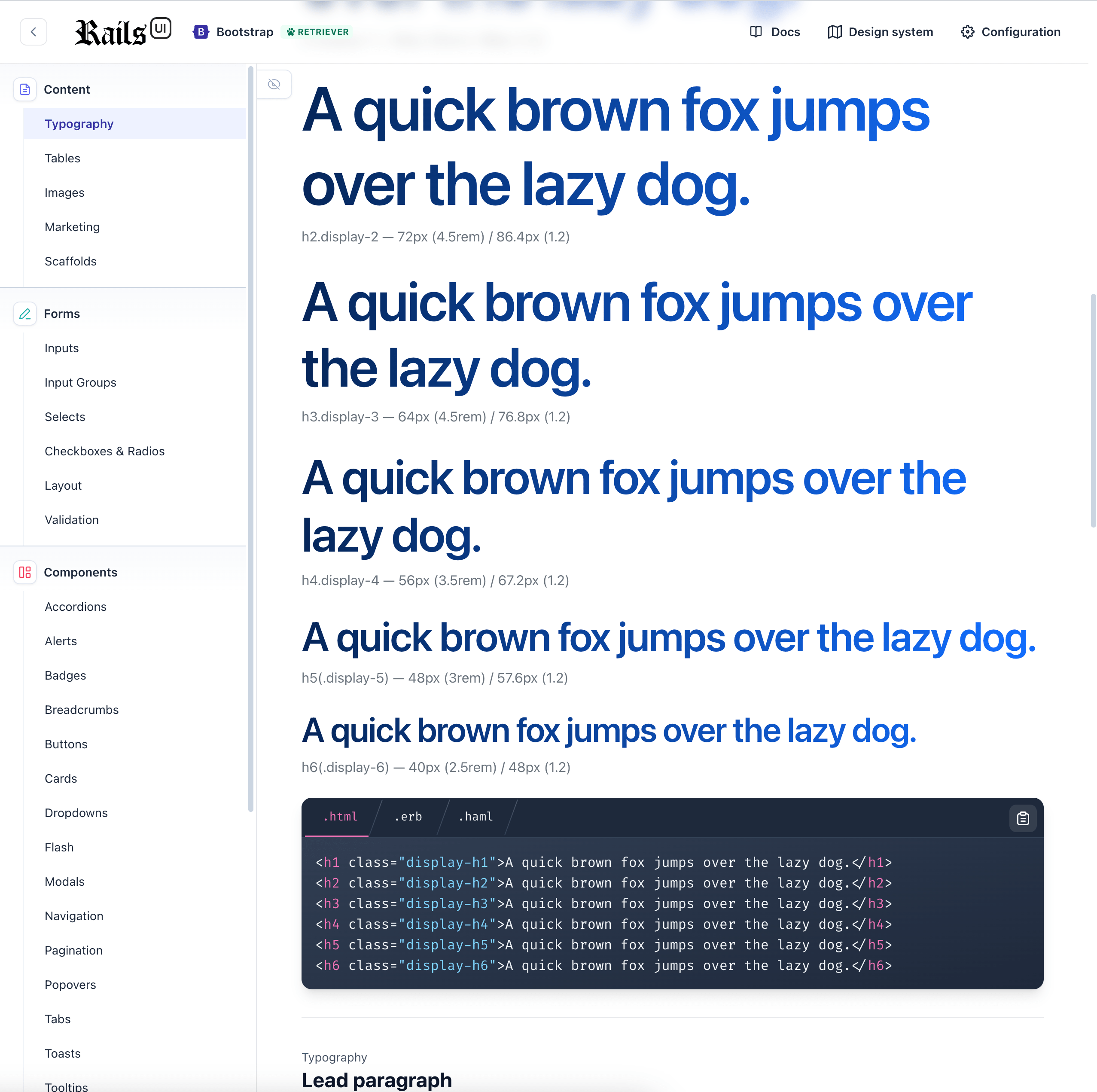
Since the first update, I still need to finalize the design of the Rails UI engine views. I finally landed on a look and feel that gets the job done and added some responsive styles for those who want to view their design system specifications via mobile device.
Rails UI will evolve, and additional themes get added to the mix.
Upcoming themes
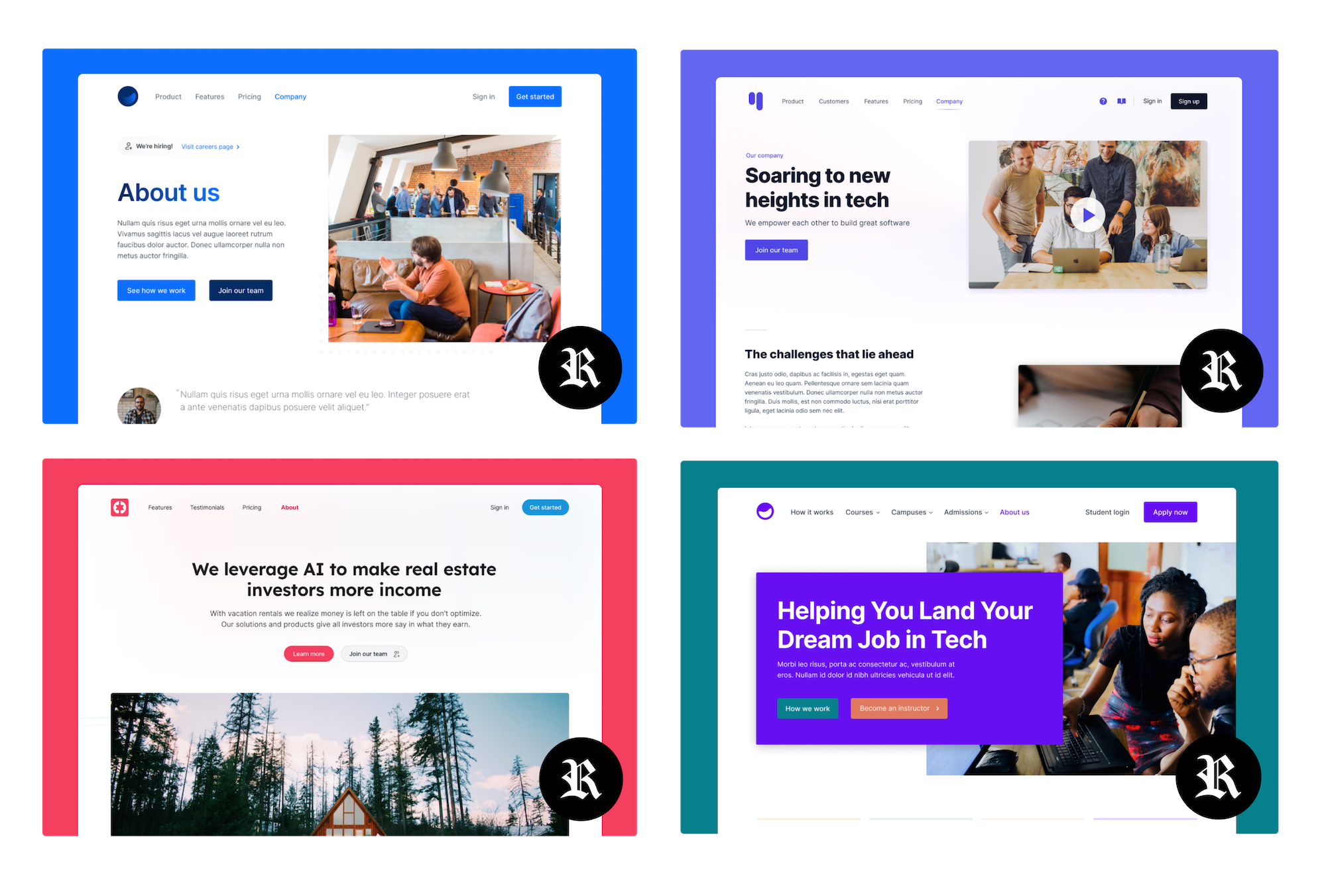
Here's a quick glimpse at some upcoming themes I'll be adding. These all originate in Figma and then translate into code. I am still deciding if I will include Figma files in the final project when I eventually charge for additional themes, but it could be cool to do so!
That's all for this update. I plan to complete the second theme by the end of the year and start the new year strong by sending out a preview for download you can all put through the paces. Look for more details about this coming soon.
Have an excellent year-end!

