
Showesome Screen Recorder
High-quality, no watermark, no time limit , free.
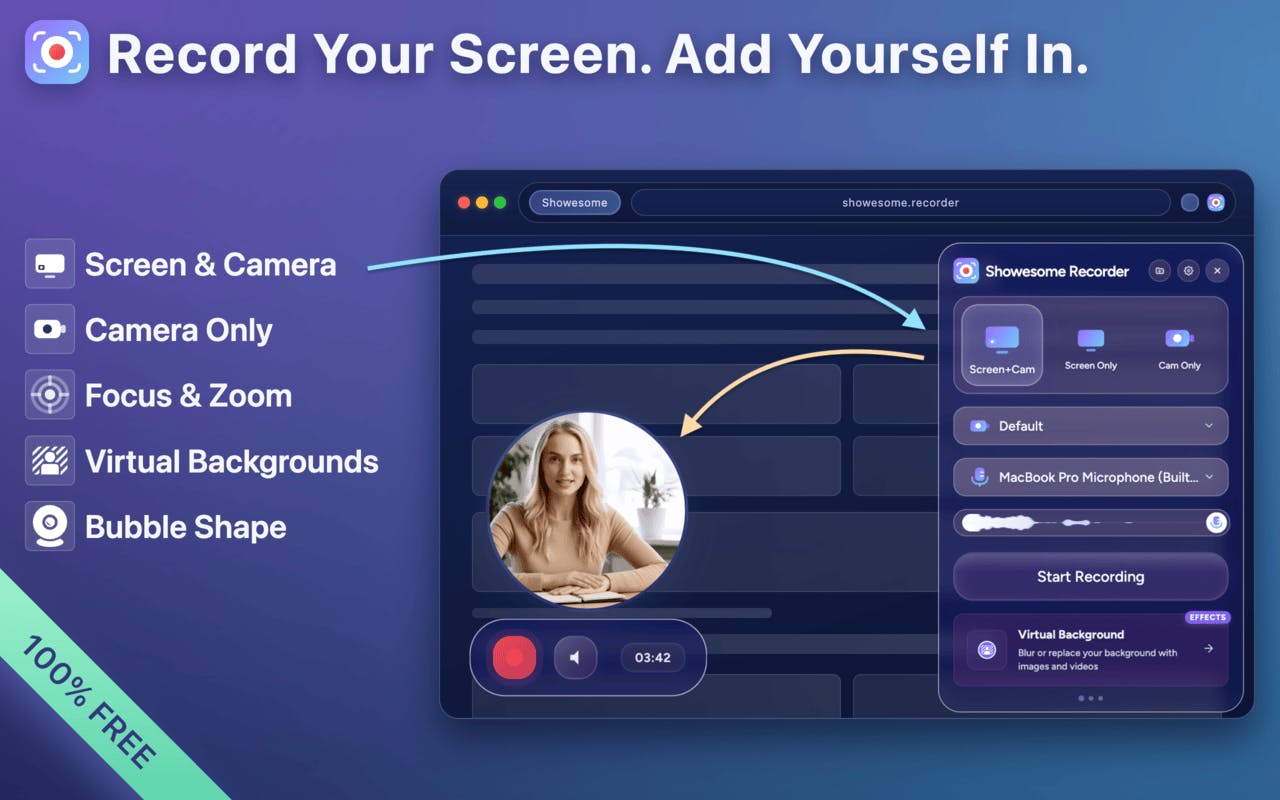
Here's the problem with Chrome extensions: the UI is tiny, scattered across popups and bubbles, and most users never discover half of what it can do.
My solution was an interactive onboarding wizard. But I added a twist.
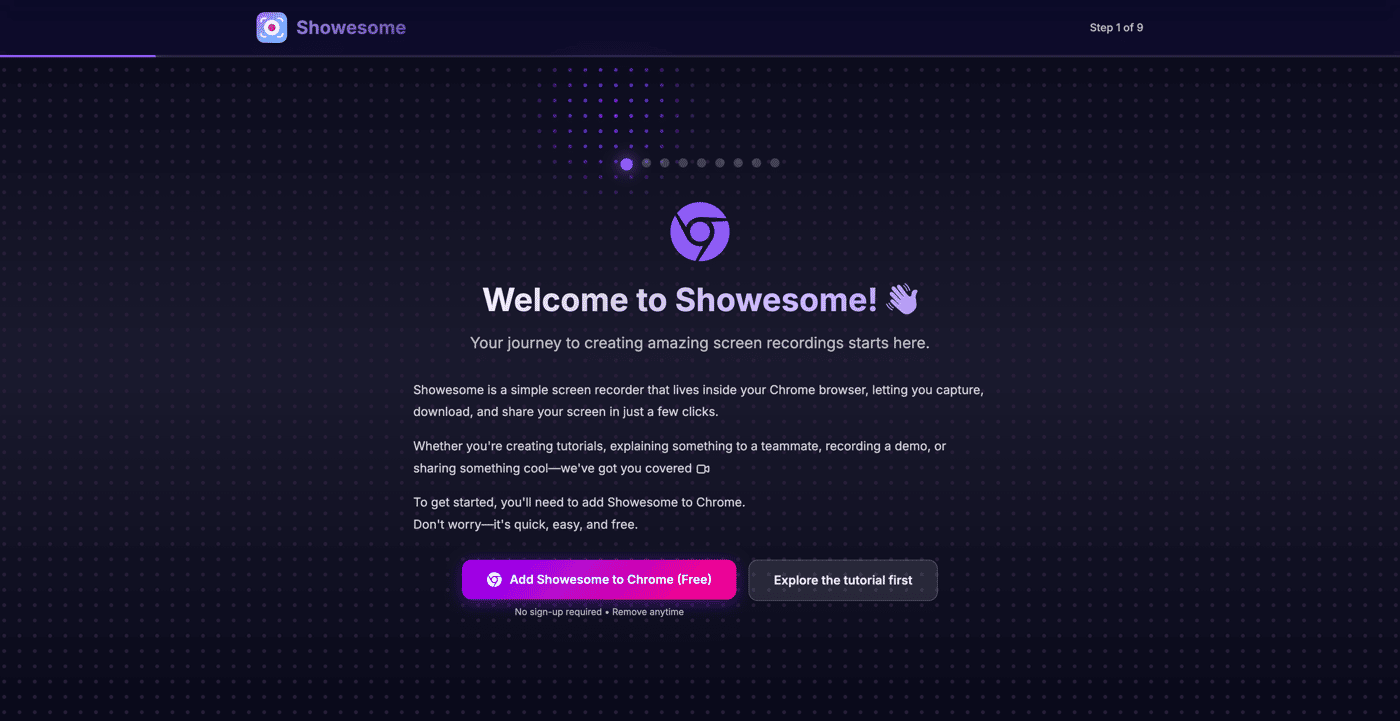
If the extension IS installed: The website and extension communicate live. Click a card on the website → the actual extension bubble changes shape in real-time. Click the extension → the website moves to the next step. Everything is synced, both directions.
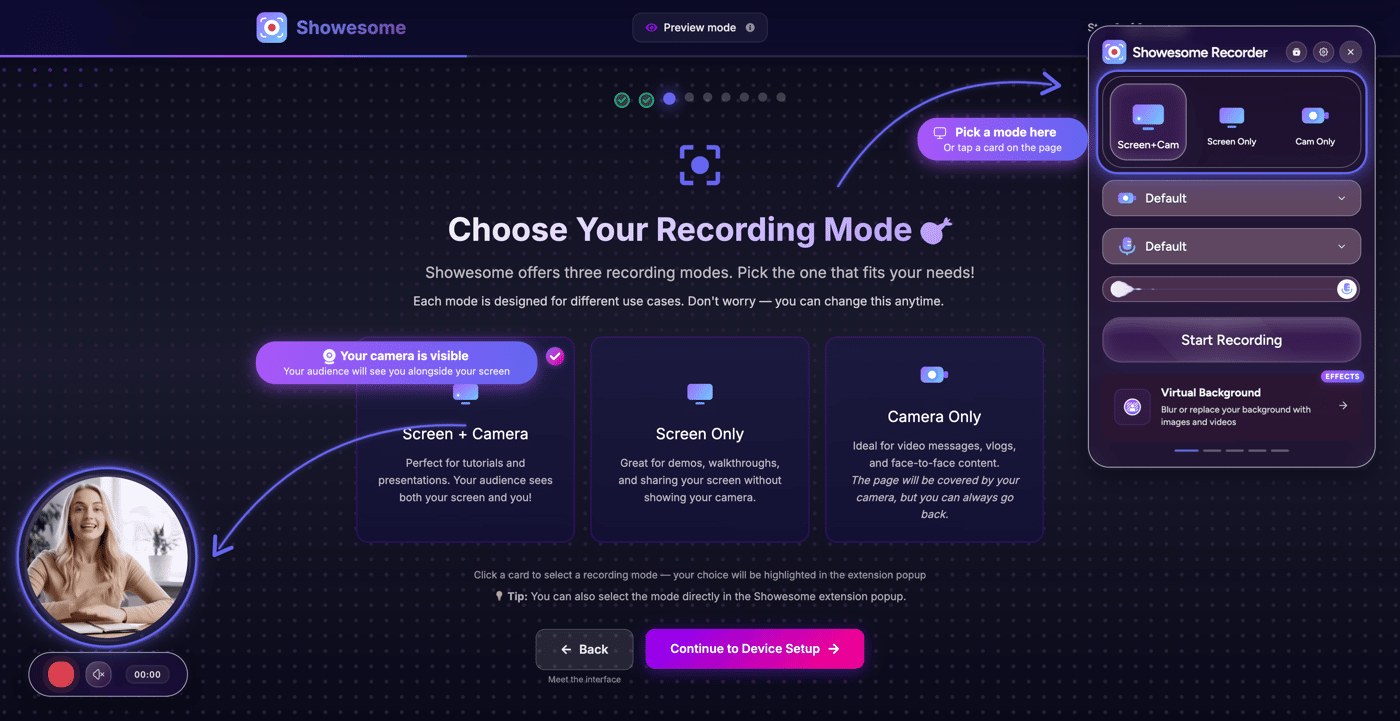
If the extension is NOT installed: I render pixel-perfect screenshots of the popup, bubble, and controls exactly where they'd appear. Users can still click the website cards and watch the "fake extension" update as if it were real. The only difference? They can't click the extension itself — but honestly, they don't notice.
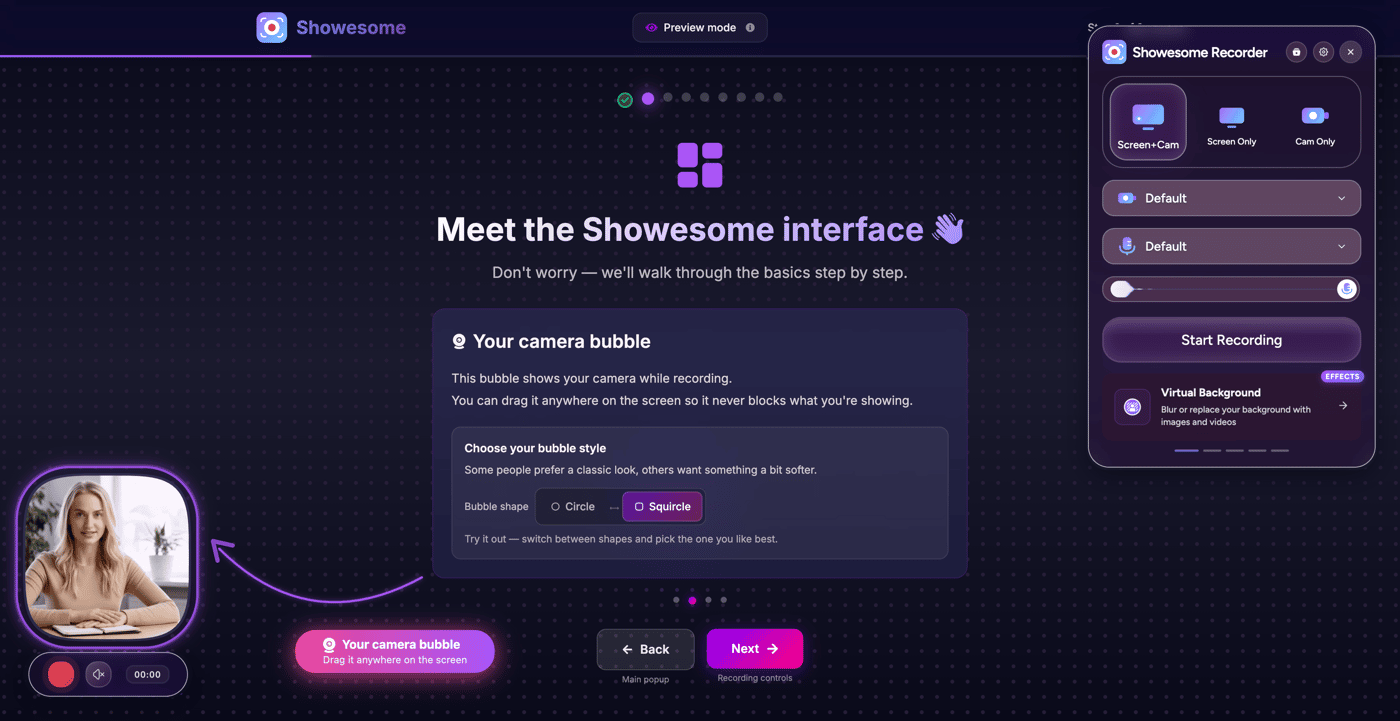
It also remembers your progress across sessions (close it, come back, pick up where you left it), walks you through every single feature step by step — recording modes, bubble dragging, circle vs squircle shape, device selection, virtual backgrounds, focus mode, zoom, recording stats, all the advanced settings...
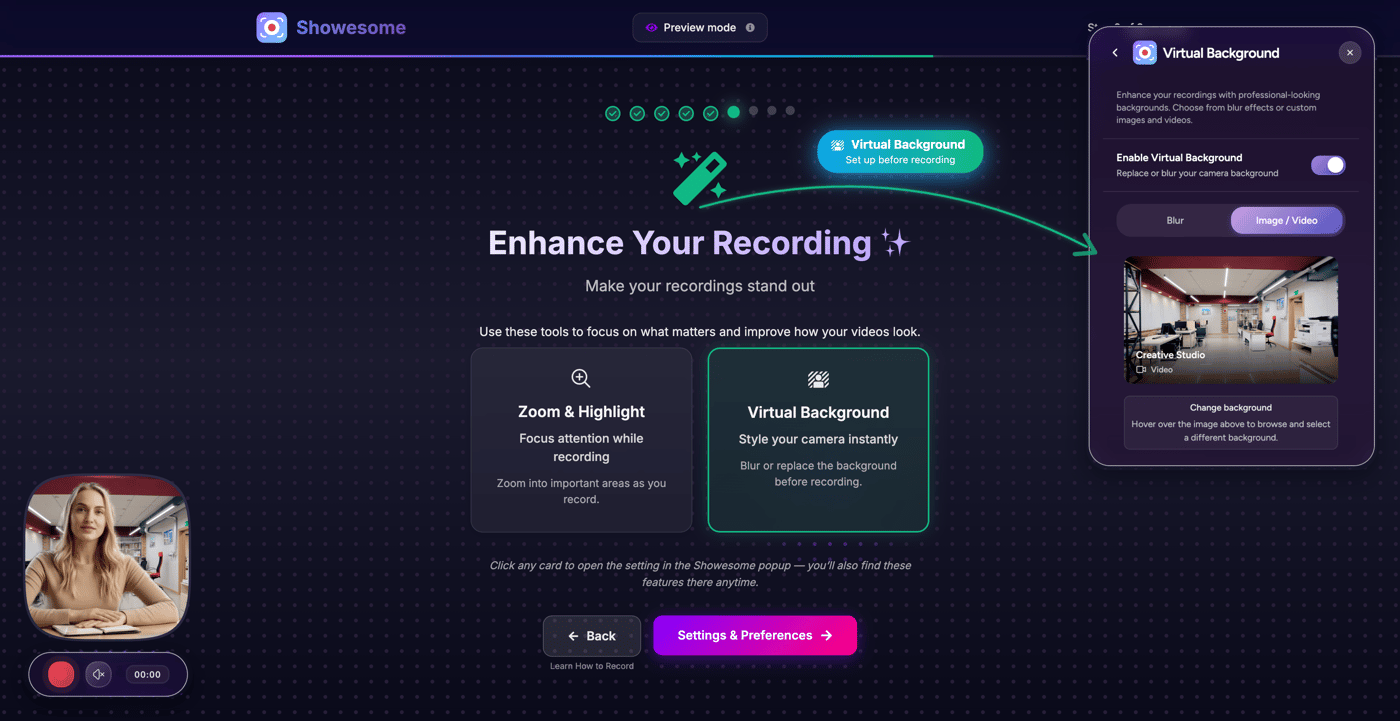
And you can relaunch it anytime from the extension or directly from the website.
Honestly, building this was more complex than some features of the product itself. But seeing users actually discover and use features they previously missed? Worth it.

Recording demos and tutorials just got a lot easier.
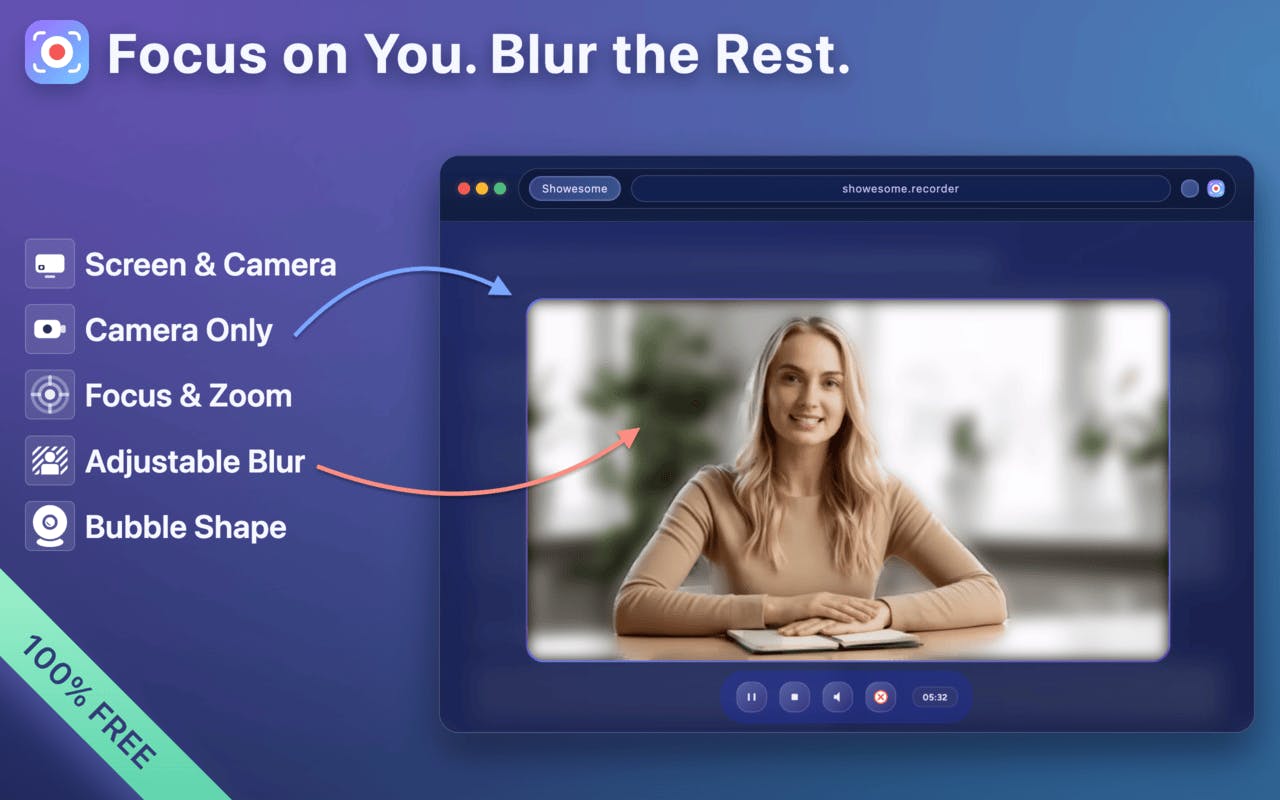
Showesome Screen Recorder lets you zoom in on key areas and highlight elements live, no editing required.
We just added new highlight colors, hover effects, and a custom cursor — making it even clearer what you want your audience to focus on.
Check it out and let me know what you think — any feature ideas to make recording smoother?
-
2
Love the live zoom and highlight approach - that's exactly what makes a demo actually useful vs just a recording.
For feature ideas: have you considered adding voice narration with auto-captions? A lot of demo creators struggle with the combo of showing + explaining. Being able to talk through the action while recording (with optional captions generated) could be a game-changer for accessibility and async viewing.
Also curious if you've thought about templates for common demo flows - like "feature walkthrough" or "bug report" that pre-set zoom levels and highlight styles. Could make it even faster to get started.
-
1
Thanks a lot — really appreciate you taking the time to think this through 🙏
You’re spot on about the “showing + explaining” problem. Voice narration (and especially auto-captions) is something I’ve been thinking about, mainly from an accessibility and async-use angle, but I want to be careful not to add friction to the core flow.
Templates for common demo flows is also a great idea. Pre-set zoom and highlight behavior for things like feature walkthroughs or bug reports could help people get value faster without having to think about setup at all.
Feedback like this is super helpful — it’s exactly the kind of direction that helps shape what’s worth building next 🙂
-
1
The "friction to core flow" concern is the right instinct. The best features disappear into the workflow rather than adding steps.
One middle-ground: voice could be opt-in at record start (single toggle) rather than a separate editing phase. That way it's there for people who want it, invisible to those who don't.
For templates - starting with 2-3 really tight ones (feature walkthrough, bug report, quick explainer) and seeing which gets adopted most would tell you a lot about how people actually use the tool. Usage patterns beat surveys every time.
Looking forward to seeing what you ship next!
-
-
-
2
This is really cool. Being able to zoom and highlight live makes explaining things so much clearer, especially for quick demos. Skipping the whole editing step is a big win.
-
1
Thanks! 🙂 That’s exactly what I was aiming for — making explanations clearer without the editing hassle. Glad it resonates!
-
-
2
Live zoom and highlights make demos much smoother. Editing usually takes longer than the recording itself.
Doing it in real time feels more natural. Curious where people are using it most — demos, onboarding, or tutorials?
Gil-
1
Totally agree 🙂 Real-time interaction just feels more natural and keeps the flow going. So far I’m seeing it used mostly for quick demos and tutorials, especially when people want to explain something fast without editing. Curious to see how other use cases emerge over time!
-


I can’t believe how fast this little project grew. What started as a tiny experiment — a Chrome extension I built mostly for myself — has now reached 2,000+ users in just 3 weeks.

It’s funny… for a while, it really was my baby 🍼. I worried about every tiny detail: a confusing label, an awkward shortcut, a button color. I stayed up late tweaking things, whispering to my laptop: please be good enough…
And now? My baby isn’t a baby anymore. People are using it, coming back, leaving feedback, and quietly making it part of their day. 💛
Every small polish, every UX tweak, every tiny improvement is finally paying off. Growth isn’t always loud — sometimes it’s quiet, steady, and real. ✧
Thank you to everyone who tried Showesome, shared it, or even just clicked around. Seeing it grow like this… well, it’s the best feeling in the world. 😌
-
2
This is awesome! Just what I needed for creating dev tutorials. Love that it's free, no watermarks, and no time limits. Great work! 👏
-
1
Thank you so much! 🙂 Really glad it’s helpful for your tutorials. I wanted to keep it free, with no watermarks and no time limits, so it’s as hassle-free as possible. Feel free to share any feedback or ideas for improvements while using it — always happy to make it even better! 💛
-
-
2
That’s amazing—congrats! 🎉
Growing a side project from a personal experiment into something 2,000+ people use in just weeks is a huge achievement. It really shows how much care you put into the details. Quiet, steady growth driven by real users and thoughtful UX is the best kind.Well done on listening, polishing, and shipping—excited to see where Showesome goes next!
-
1
Thanks a lot! 😄 💛 It’s been great to watch steady progress and how even minor adjustments make a real difference. Looking forward to continuing to grow Showesome and explore what’s next!
-
-
2
Congratulation, You have done really good work done on UX. btw how are you planning to generate revenue from it? Or will it be free as it is now?
-
1
Thanks a lot! 💛 For now, it will stay completely free. My focus is on seeing how people use it, refining the experience, and making sure it’s genuinely useful. Once I decide to monetize, everything that’s currently free will remain free forever — I want early users to feel rewarded, not punished.
In the future, any premium features would likely be optional add-ons rather than taking anything away from the core experience. My goal is to make sure people who love the extension continue to love it, while still giving me a path to sustainability.
-
-
2
I can really see how much attention you’ve given to every small detail. The UI looks beautiful, and the cursor effect is especially well done.
-
1
Really appreciate that! 💛 I love tweaking the tiny details, and I’m glad they make a difference.
-
-
1
Congrats on hitting 2,000 users, Alma; that quiet, steady growth is inspiring! My BOS+HUB alpha (dual OS for ops/AI/community) is still in the "baby" phase, obsessing over UX tweaks just like you described.
What's one small polish that surprised you with the biggest retention boost?
Would love to apply it early!-
1
Thanks so much! 😄 Honestly, it wasn’t a single tweak — more about thinking like a first-time user and polishing small UX details. Even tiny changes in clarity and flow made the “baby” feel easier to use, and that seemed to have the biggest impact on retention.
Excited to see how BOS+HUB’s baby grows — those early UX tweaks will definitely pay off!
-
-
1
This is such a beautiful example of “quiet growth done right.” You didn’t chase noise, you removed friction, and users rewarded you by staying. I’ve seen products like this compound even more when founders show up in existing Reddit threads where people are already asking for exactly this kind of simple, polished solution. Those conversations age well, rank in search, and keep bringing users long after the early momentum. What you’re building feels like it’s made for that kind of long-term discovery.
-
1
Thanks so much! 🙂 Exactly — focusing on removing friction and making things feel effortless has been the biggest payoff so far. I totally agree about the Reddit approach too — helping in the right threads quietly compounds over time. Really appreciate you taking the time to share your thoughts!
-
1
Glad it resonated, you’re already thinking about growth the right way.
If you want, I can tailor a Reddit discovery approach specifically for your product and audience.
Feel free to DM me:
📧 michealprecious616@gmail.com
💬 Telegram: @preshtechsolution
-
-
-
1
Great app I can now use this to record or snap images of my web apps instead of having to use snip it tool every time. Thanks.
-
1
Thanks so much! 🙂 That’s exactly what I hoped for — making it quick and easy to capture things without switching tools. Glad it’s already fitting into your workflow!
-


Showesome just passed 500 users — and what surprises me most is how it happened.

No ads.
No promotion sprint.
Just a few posts on IndieHackers and Reddit… and the tool quietly spread on its own.
That kind of growth feels different.
Almost like people found it because it helped, not because I shouted loud enough.
Every day someone uses it to explain something, teach something, report a bug, record a lesson — and they come back. Over and over. That return is the real milestone.
I’ve spent the last weeks polishing the tiny things no one sees but everyone feels — the timing, the UX rhythm, the camera alignment, the micro frustrations that break trust.
Maybe that’s why it’s growing.
Maybe quality travels quietly.
Either way, I’m grateful — and more motivated than ever.
More polish coming soon 🙂
-
2
This really resonates. Quiet growth fueled by real usefulness always feels more sustainable than chasing virality. The focus on the little details that make the experience smooth is something so many products overlook, and it shows. Excited to see how your polish continues to pay off!
-
1
Thanks a lot! 🙂 Definitely seeing that polishing the tiny details pays off — excited to keep it going and hopefully make things even smoother for users.
-
-
2
Congrats 👏🏻 Well deserved!
-
1
Thanks! Really appreciate it 🙂
-
-
1
Congratulations! An AI marketing software called Amplift helped me achieve similar growth, and I believe it will be of great help to your business as well.



A few days ago, Showesome had 59 users.
Today: 109.
Still small. Still humble. But something about crossing 100 feels different.
What surprises me most isn’t the number — it’s how people are actually using it.
Tutorials, demos, bug reports, lessons — if someone uses it once, they come back. Over and over.
I’ve been quietly polishing the little invisible things: smoother timing, calmer popup, cleaner camera layouts, small annoyances I’d hate myself. None of it makes headlines, but it makes the tool feel… honest.
The big lesson so far?
Small tools find their audience slowly.
Tiny details matter.
People love simplicity and no accounts.
Growth comes from trust, not hype.
It’s a strange little corner of the internet, but one that’s starting to feel alive.
If you’re curious, you can take a peek: Showesome Screen Recorder
-
2
Congrats! 👏🏻 Really nice Chrome extension — well deserved milestone!
-
1
Thanks! 🙏 Means a lot. Hitting 100 felt small on paper but huge in motivation — really glad you like the extension!
-
-
1
RECOVER YOUR LOST BITCOIN // WITH THE HELP OF GEO COORDINATES RECOVERY HACKER
I’m Thermos Lucas. I'm here to tell my testimony about how. GEO COORDINATES RECOVERY HACKER enabled me to recover my stolen BTC. A few months ago I lost $673,000 worth of BTC to a fake investment company. I don’t know how they got my email but I received an email from Investment Bank with a good proposal on how I could make millions out of my investment with them. I was convinced when they showed me profits from other clients that had invested in their platform, I began investing with them. When it was time to withdraw my profits, their website was shut down and I tried contacting them but they wanted me to pay a huge amount of fee to be able to withdraw my funds which I did until they cut me off and stopped all communication with me. I was shocked and devastated, I realized there was nothing I could do to recover my funds, I had gone to the authorities but they couldn’t assist me. I did some research online and I came across a post about GEO COORDINATES RECOVERY HACKER Their professional team was super and it took them less than 48 hours to get my funds back from these scammers. Geo Coordinates Hacker is here to provide that service for you. I highly recommend their services to everyone. If you suspect your Credit card, email & password, Facebook, Instagram, twitter Accounts have been hacked, you need to recover stolen money from scammers, report the incident to GEO COORDINATES RECOVERY HACKER, they can help you recover your BTC. in addition, GEO COORDINATES RECOVERY HACKER, can provide you with educational materials for staying safe online. They can also identify potential security breaches or vulnerabilities that may have led to the loss of your information. Please contact the following email address:
Website: https://geovcoordinateshac.wixsite.com/geo-coordinates-hack
Telegram: @Geocoordinateshacker
The truth always put the wrong people in the right place, and we all need help getting the truth

Earlier today, I shared some early thoughts on my side project suddenly starting to grow: 🎢 The Small Side Project That Suddenly Started Growing.
And here’s a fun twist — while I was writing this post, Showesome Screen Recorder’s users jumped from 59 to 68! Not a viral boom, but for a solo project, it feels like a rocket lift-off. જ⁀➴
A few lessons from this tiny but exciting growth:
Iterate in public: Small, visible updates keep users engaged.
Feedback is gold: Listening to early users really matters.
Celebrate the little wins: Every user counts and motivates you to keep going.

Solo makers — have you ever seen a spike happen while you were literally watching it happen?
I wanted to share a small but exciting milestone for Showesome Screen Recorder!
Over the last 2 days, the number of users grew from 19 to 59. Not huge by some standards, but for a solo project that’s still pretty encouraging.
Here’s what I learned:
Constantly iterating and pushing updates seems to keep things interesting for early users.
Sharing the tool in communities like IndieHackers, Reddit, Product Hunt, and X really drives early traction.
Clear messaging around privacy, simplicity, and “no signup walls” makes a difference — users notice and trust the extension more.
It’s a small milestone, but it feels motivating. Every new user is someone trying the tool and giving feedback, and that’s invaluable as I continue to iterate.
Would love to hear how other solo devs approach early user growth for extensions or micro-tools!
Exciting news — Showesome Screen Recorder has earned the Featured Badge on the Chrome Web Store!
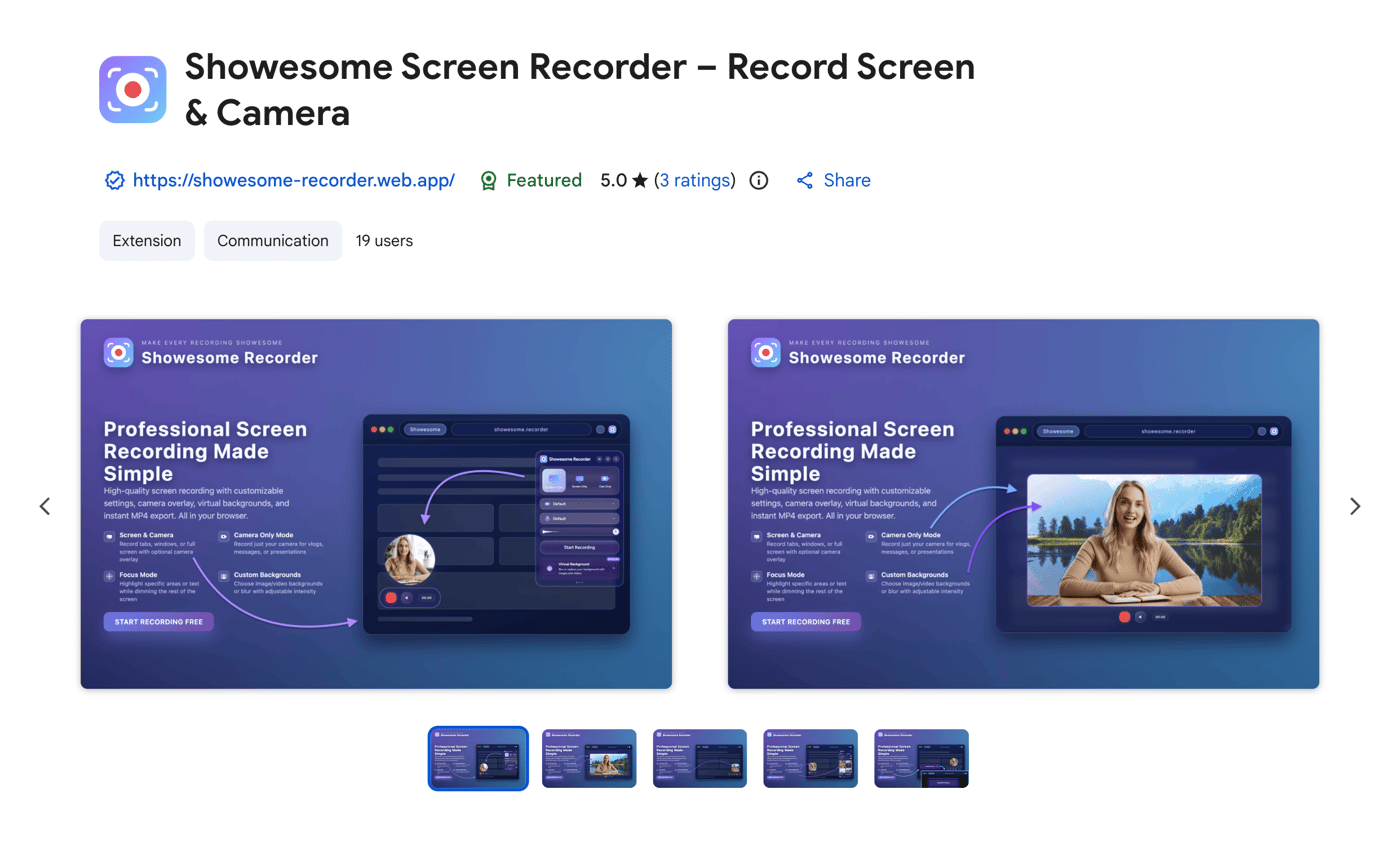
As a solo project, this is a big recognition for UX, quality, and trustworthiness.
For anyone building browser extensions, happy to share what I learned about the review process and best practices.
Thanks to everyone who supported the launch 🙌
-
2
Wow, it’s awesome to see you iterating solo! The lessons about no signup walls and Chrome capture APIs really resonate—those small friction points make a huge difference in user experience. Excited to see how Showesome evolves!
-
1
Thanks so much! 🙏 Totally agree — removing friction and keeping things simple has made a huge difference in how people use the extension. I’m excited to keep iterating and improving Showesome, and I really appreciate the encouragement!
-
I’ve been building Showesome Screen Recorder as a solo dev.
This week taught me a lot:
People love tools with no signup wall
Zoom + highlight turned out harder than expected
Chrome’s capture APIs are messier than they look
Growth is slow, but the feedback is gold
Simple UX beats fancy UI every time
I’m sharing this in case anyone else is building tools in the browser-extension world.
If you’ve built browser extensions before, I’d love to hear:
What helped you get your first wave of users?
Also happy to share deeper technical details if anyone’s curious.
-
2
Building a free screen recorder solo showcases perseverance, learning, challenges, and valuable insights for developers.
-
1
Thanks! 😄 It’s been a wild ride — lots of trial, error, and late-night “why isn’t this working?!” moments. But seeing it actually being used makes all the bugs and coffee worth it.
-
-
2
Building a free screen recorder solo highlights dedication, learning challenges, and valuable insights for developers.
-
1
Thanks! :) It’s definitely been a journey of learning, debugging, and figuring things out solo. Really rewarding to see it actually being used and appreciated by people.
-


Showesome Screen Recorder started as a personal need.
I was recording tutorials, walkthroughs, and demos almost every day — but every tool I tried slowed me down. Some required an account. Some added watermarks. Some had time limits. Others felt bloated and heavy.
So I decided to build the tool I wished existed.
A recorder that’s:
fast
clean
unlimited
privacy-friendly
and completely free
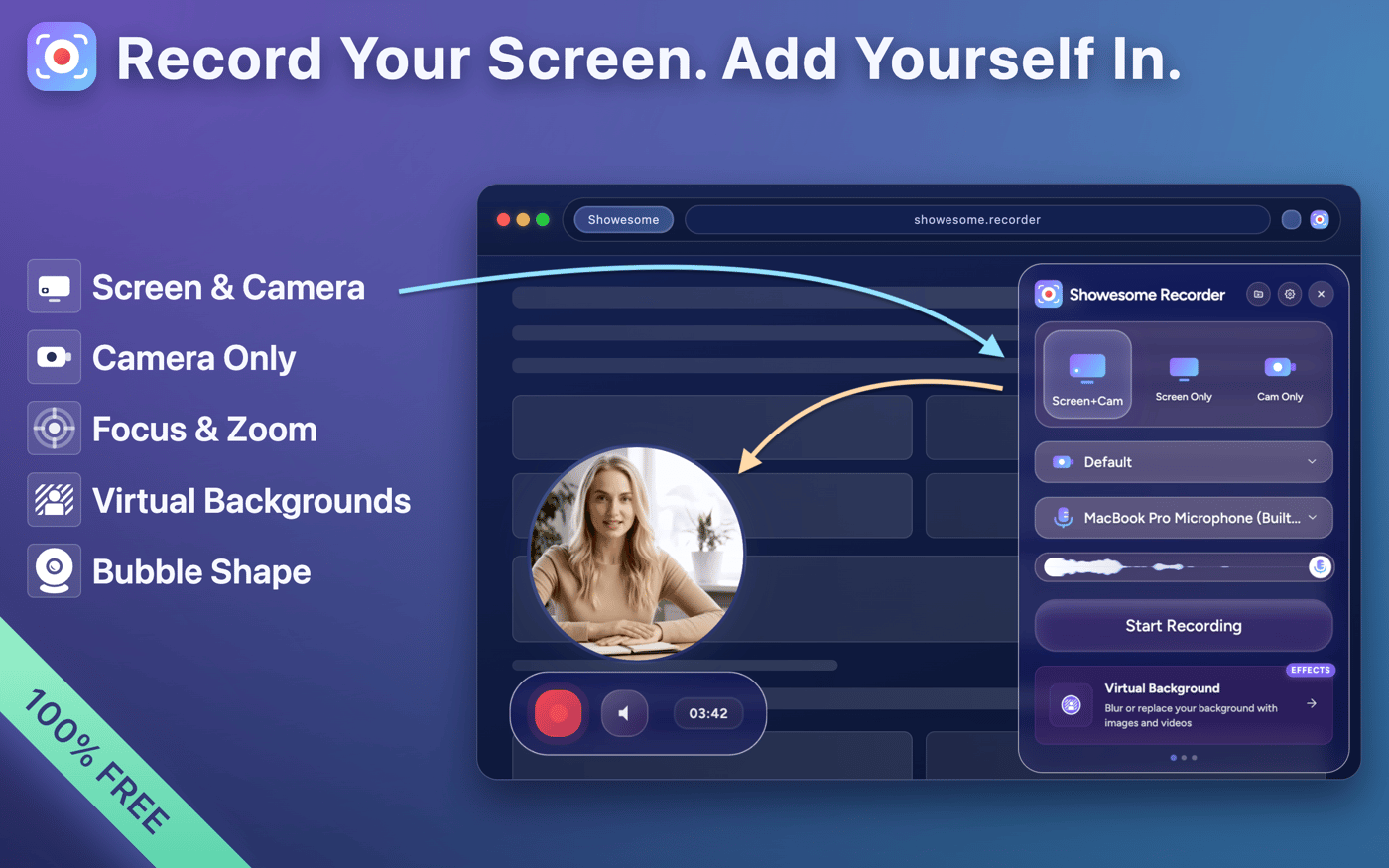
Today Showesome supports screen, window, tab, and camera recording, system audio, zoom, highlight, and cloud uploads. But the mission stays the same: keep it simple, keep it fast, keep it user-friendly.
This is my attempt at making screen recording effortless for everyone.
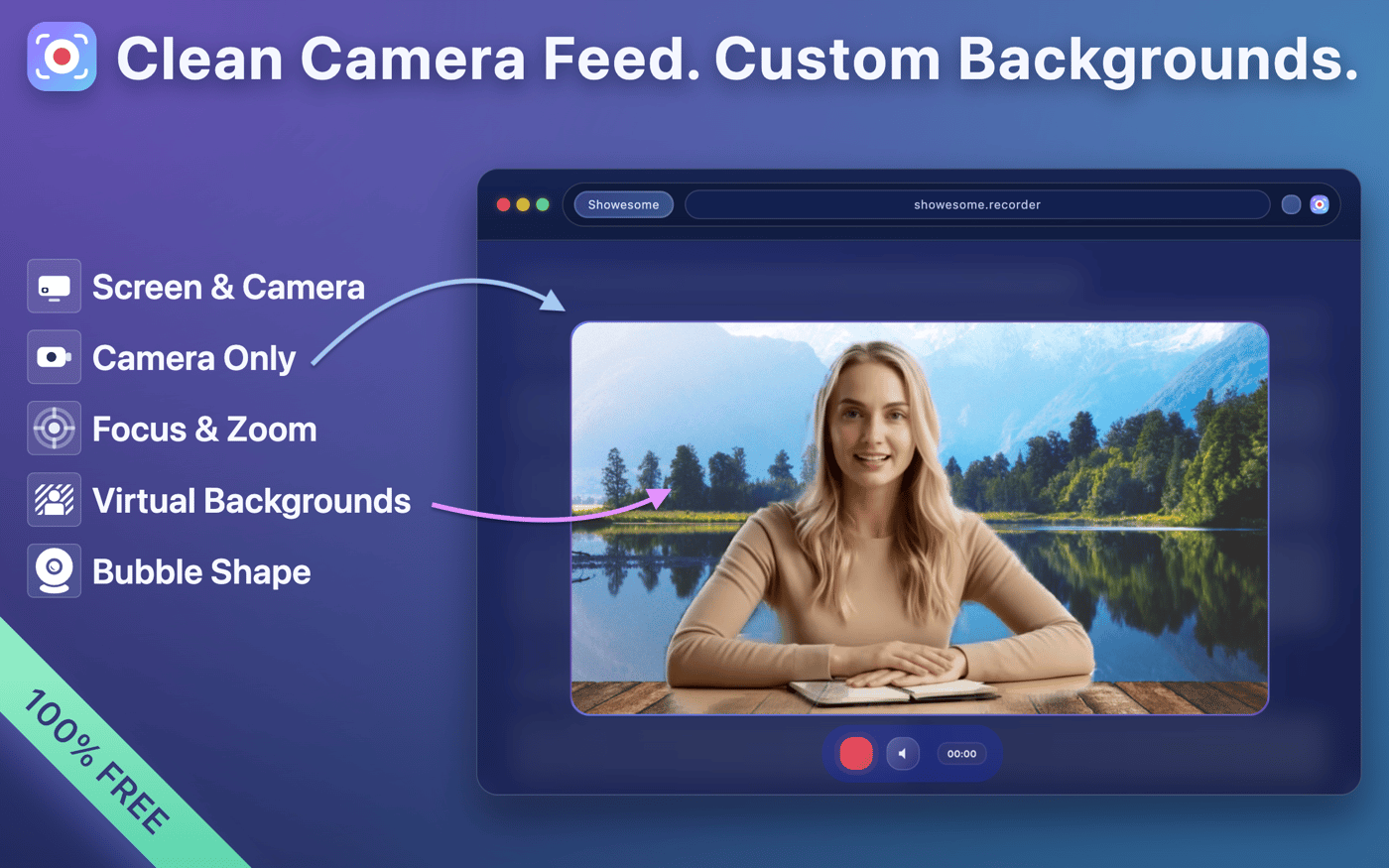
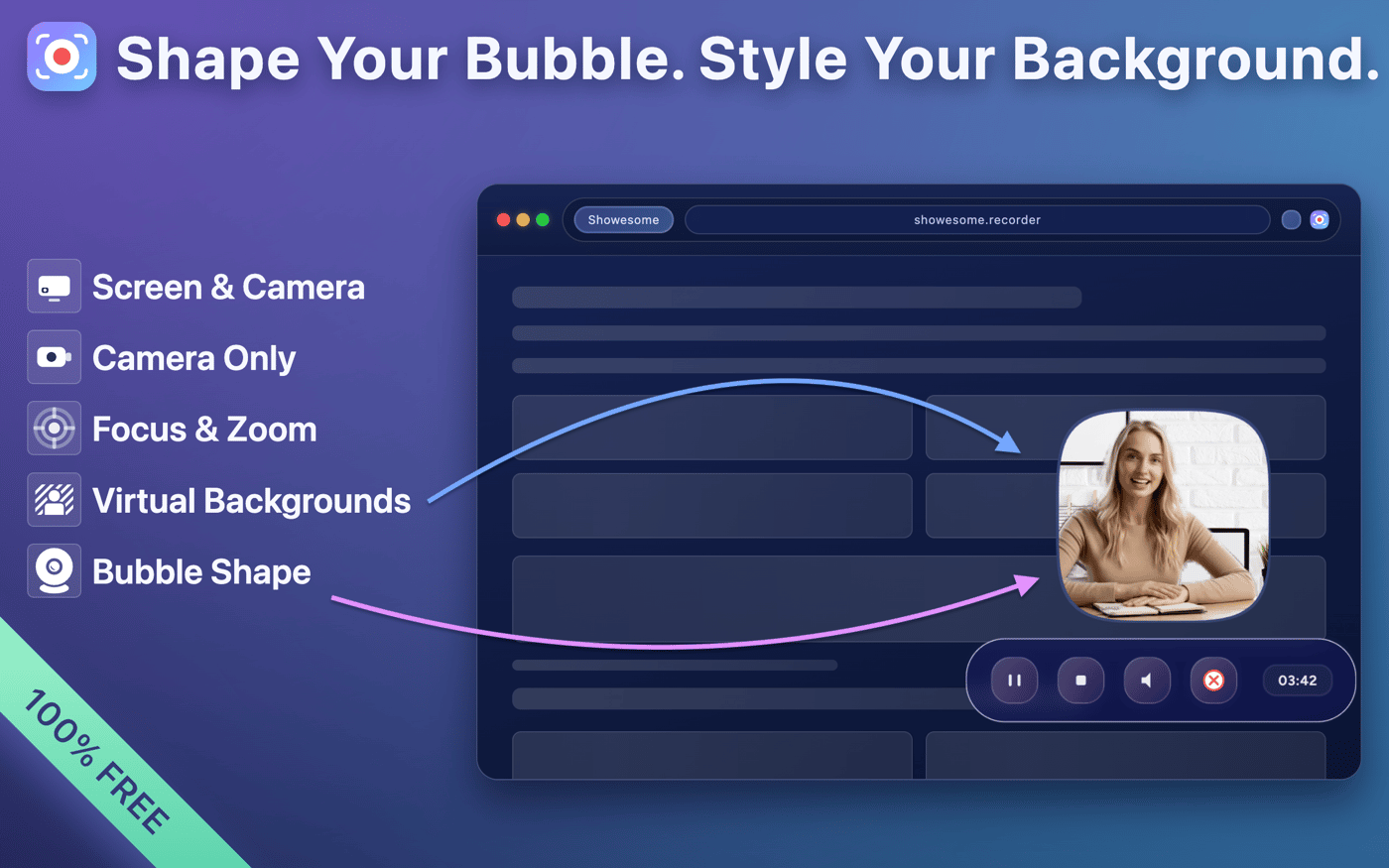
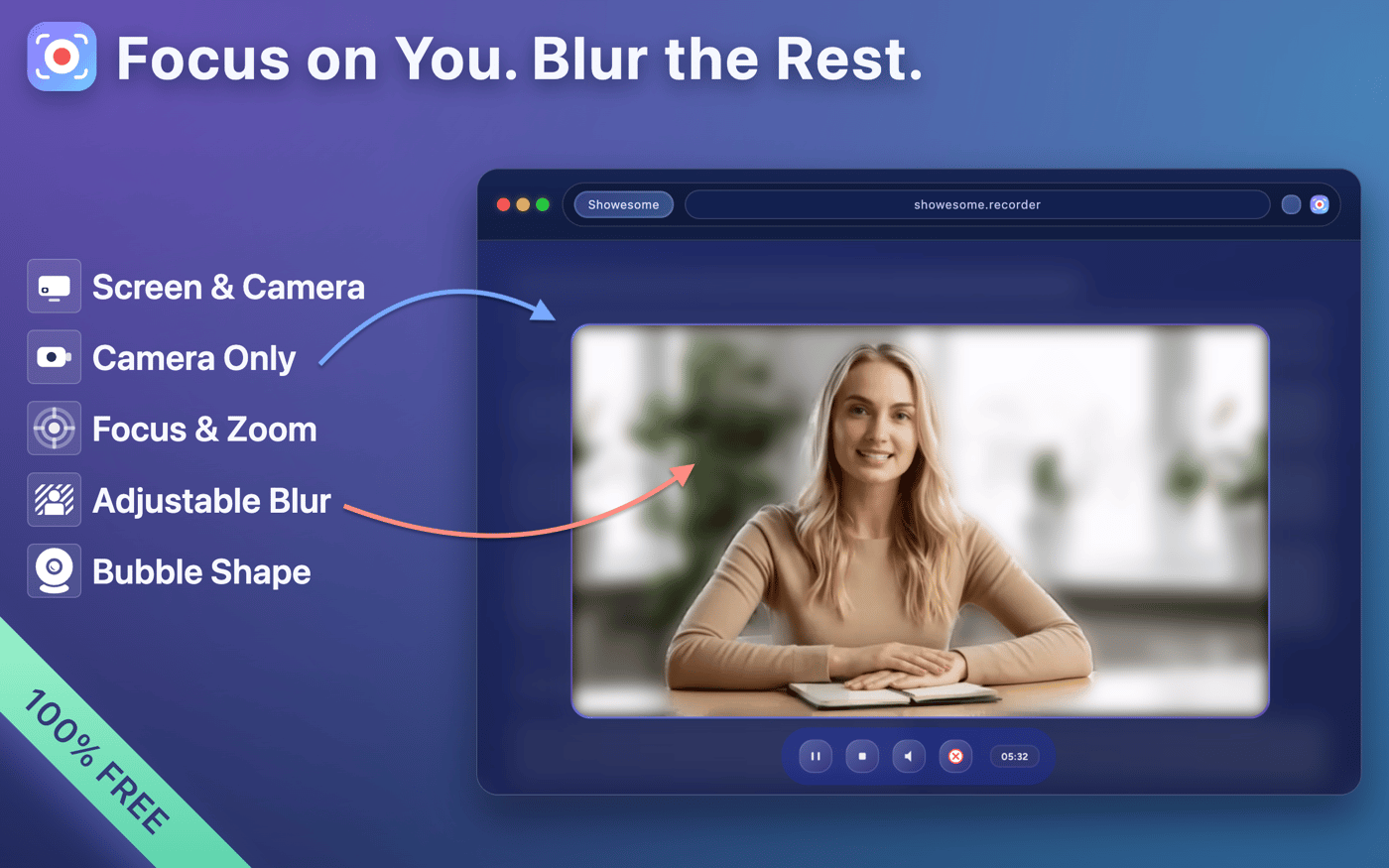
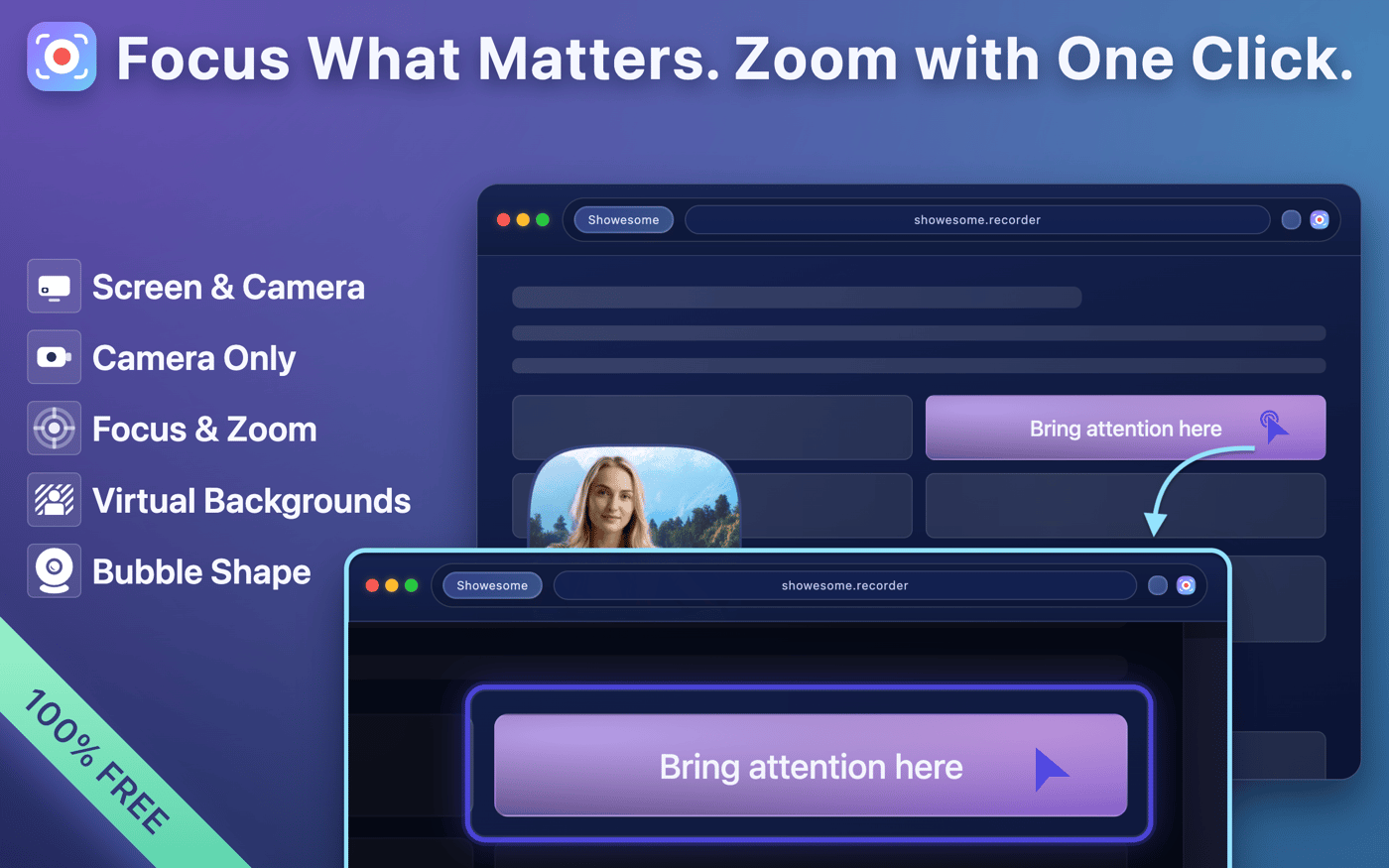
-
2
Love this approach — building a tool to solve your own pain points always results in something truly user-friendly. Showesome sounds like it hits all the right marks: fast, clean, unlimited, and privacy-focused. The combination of simplicity with powerful features like system audio and cloud uploads is impressive. Tools like this make everyday tasks effortless, and it’s awesome that it’s completely free. Excited to try it out!
-
1
Thanks so much! 🙏 That really means a lot — building something that’s actually useful for real people was the main goal. Hope you enjoy using it, and I’d love to hear any feedback once you try it out!
-
-
2
Congrats on the Featured Badge. That is a big win for a solo project. Your notes on the extension ecosystem hit home, especially the part about people preferring tools with no signup wall. The focus on simple UX over heavy UI also aligns with what many users expect from browser tools.
Would be great to hear more about the steps that helped you get traction on the Chrome Web Store.
-
1
Thanks! I really appreciate that. 🙏 Honestly, I’m not entirely sure what exactly triggered the Featured Badge 😅, but what I did was constantly ship updates, polish features, and fix bugs. My extension is almost always in “Pending review” because as soon as one version is approved, I already have the next update ready. Focusing on a clean, user-friendly experience and solving a real problem seems to have helped a lot. Sharing updates in communities like IndieHackers, Reddit, and Product Hunt has also been key for traction.
-
-
2
looks very clean
and the design is very beautiful
do you plan to monetize this?
also, in some of the websites you can't run the extension. it asks. you to open a normal website or something like that.
-
1
Thanks! 😊 I really appreciate it. Right now Showesome is completely free, and that won’t change — everything will stay free forever. In the future, I might add some optional extra features for monetization, but the core functionality will always remain free.
Regarding pages that ask you to open a “normal” page: that’s intentional. Some pages, like Chrome’s internal pages or certain secure domains, don’t allow extensions to run, so I show this message to avoid confusion. In a future update, I plan to handle it automatically by opening a normal page when needed, making it seamless.
-
-
2
This is awesome! A fast, clean, unlimited screen recorder is something a lot of people genuinely need. I help founders get early traction on Reddit by crafting posts and discussions that highlight real user value, spark engagement, and attract early testers without feeling promotional.
If you want, I can share strategies to get Showesome in front of the right audiences and collect meaningful feedback quickly.
-
2
This is honestly one of the most polished Chrome extensions I’ve seen in a while.
Clean UI, super fast recording, and love that you respect users’ time by removing the login requirement. And all is freeeee for real. Keep going!
-
1
Really appreciate it! I’m trying to keep it simple and frustration-free.
If there’s anything you’d love to see added, let me know — I’m building this with user feedback first.
-
-
1
Relatable. I teach programming online and have recorded probably 500+ tutorial videos over the past decade. The recording part eventually became the easy part (settled on OBS, it just works). The real time sink was always in making the video watchable.
Two things cut my production time by 80%: a tool called ZoomShot for live screen zoom and cursor highlighting during recording (so viewers can actually follow what I am clicking on a busy IDE), and Filmora for its automatic silence removal in post. Before that I was manually cutting dead air and zooming into code sections frame by frame.
How does Showesome handle the zoom-and-follow problem? Like when you need the audience to focus on a small button or a specific line of code?
-
1
That was exactly the pain point for me too — recording itself became easy, but making videos actually watchable took forever 😄
Showesome handles this directly during recording with a built-in Focus/Zoom mode, so there’s no need to do those edits afterwards (currently inside the browser, since it’s a browser extension).
While recording, you can press
Ctrl/Cmdtwice to instantly enter focus mode. From there you can:highlight buttons or UI elements,
focus attention on specific parts of the page,
select text,
or draw/select an area to zoom into.
When finished, just press
Ctrl/Cmdtwice again (orEsc) and continue recording normally.The idea was to remove the “I’ll fix it in post” workflow and make focus guidance part of the recording itself. Especially for tutorials, demos, and coding videos, it saves a surprising amount of editing time.
Here you can see a small showcase of how the zoom/focus mode looks in action.
Sorry for the late reply by the way 😄
-
-
1
Years ago, i used loom and then vidyard- both free versions and then was forced to purchase Vidyard paid. Looks like, the bigger they grow, the comfort around the free tiers keeps going down. The storage/number of records start shrinking, features start hiding behind paywall, and so on. I understand that this is important for ROI and CAC. But this is why the popularity among first time users starts slowing down of. With Showsome, at this point of 2k users, how are you going go to approach free to paid conversion-flow?
-
1
Thanks, that’s a really good point! 🙂
For now, Showesome will stay completely free. My focus is on learning how people actually use it, refining the experience, and making sure the extension is genuinely useful. Once I decide to monetize, everything that’s currently free will remain free forever — I want early users to feel rewarded, not punished.
In the future, if I add premium features, they’d likely be optional add-ons rather than taking anything away from the core experience. My goal is to make sure people who love the extension continue to love it, while still giving me a path to sustainability.
-


2 Comments
This is wild (in a good way). Turning onboarding into a bi-directional live sync between website and extension is a seriously high-leverage idea. Also love that it still works as a “fake UI” when not installed.
Appreciate it 🙏 the live sync idea was the turning point — everything else came after that.